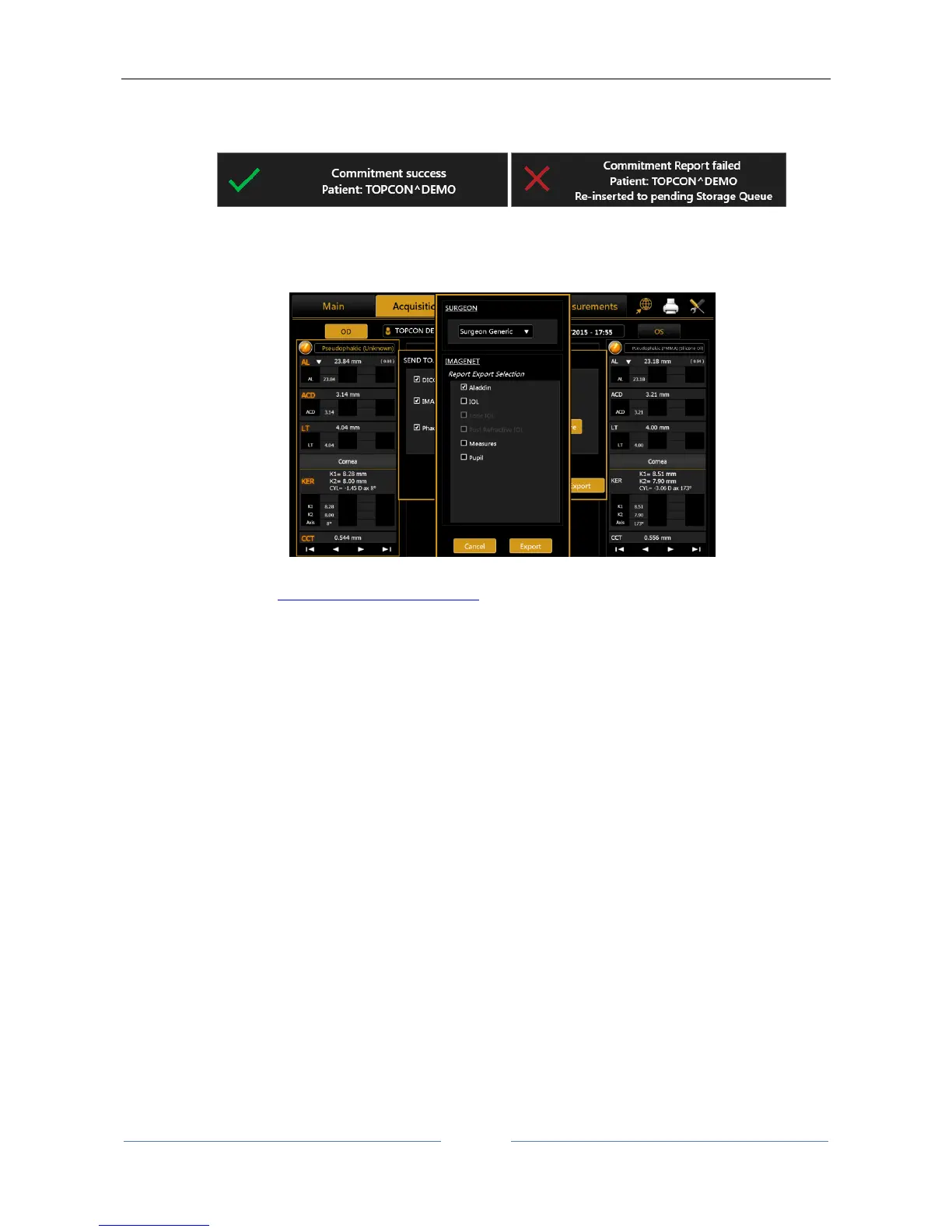
If Storage Commitment is configured you will receive the confirmation message in case of successful
or unsuccessful transfer.
IMAGEnet 6/IMAGEnet i-base, the selected reports and data are sent to IMAGEnet i-base or
IMAGEnet 6 if activated and configured from the settings. If both are enabled the destination is
IMAGEnet 6.
PhacoOptics®: http://www.phacooptics.net/, export biometry data in xml format to a network
shared folder, to be imported in PhacoOptics® software. Refer to section 13.15.5 and to
PhacoOptics® software instruction for further details on configuration.
XML: create XML file with biometry data and IOL calculations (also images of the eye topography)
that is exported to the configured network shared folder. Refer to section 13.15.5.
When the selection of the destination you can press “Export” to perform exportation of data to the
destinations, or “Cancel” to just close.



 To Next Page