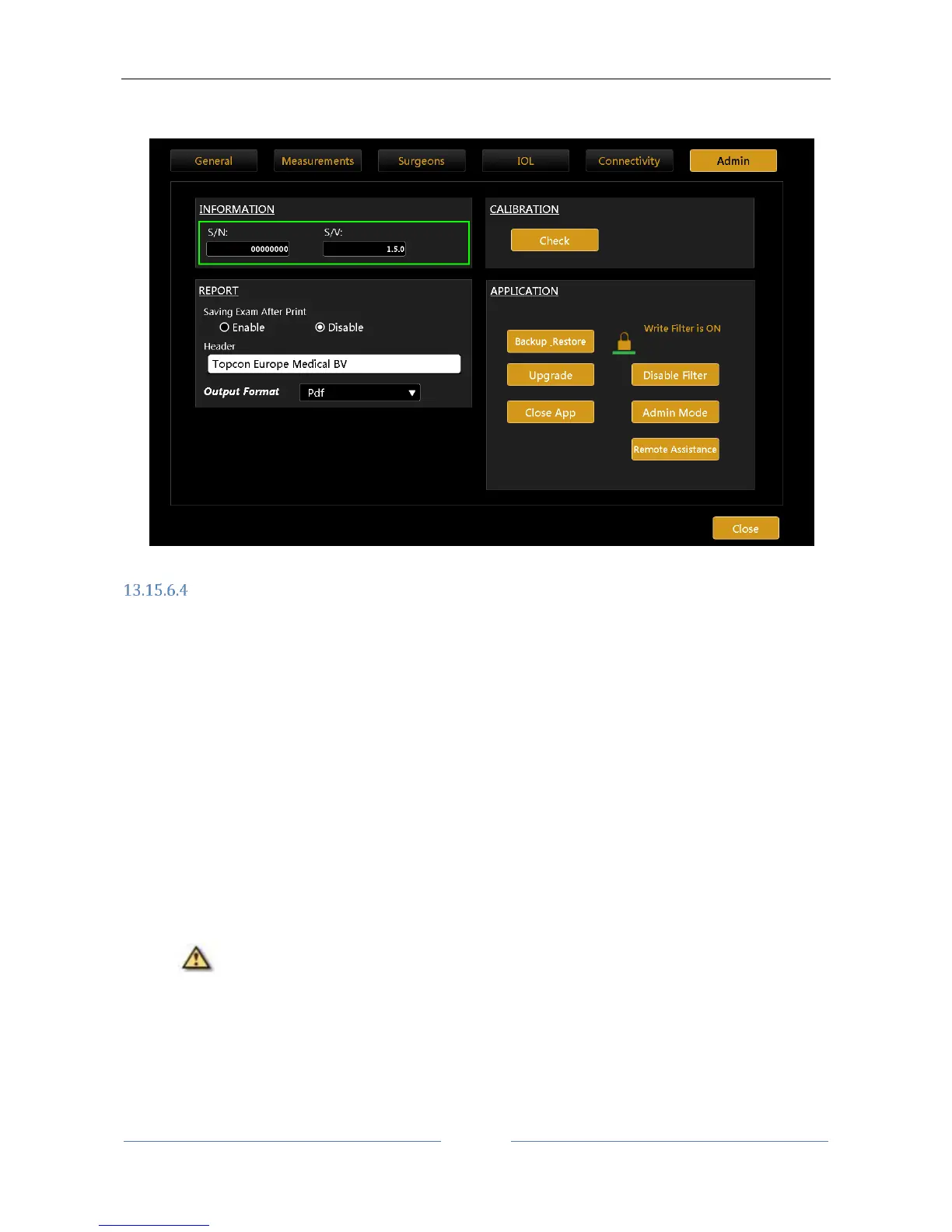
13. Your Aladdin is upgraded. Please check in the settings, “Admin” tab if the S/V is now the new one
(Figure 102).
Figure 102
Backup & Restore
It’s recommended to perform a backup to have a safety copy of every patient stored data. Depending on the
expected size of the entire archive, we suggest to use an external USB drive or have available enough space
on a designed network shared folder.
Pressing on the “Backup _Restore” button the Backup and Restore utility is opened.
It is possible to use an external USB drive or a network shared folder to backup and restore data.
Backup Contents
With this utility it is possible to backup:
Local Exams archive: the complete list of patients and exams that are currently stored in the local
database of the machine
Surgeon’s presets and IOL collections: Surgeons list with all the data associated with each one, such
as default IOL lens presets, IOL collections (customized constants or manually added IOL models)
Application user settings: interface settings such as visualization options, display units, scales,
network settings, report header
Machine calibration: internal calibration parameters of the machine to be stored for safety.
The machine calibration can be restored only by the technician to the same device from
which the backup was made.



 To Next Page