Backup Procedure
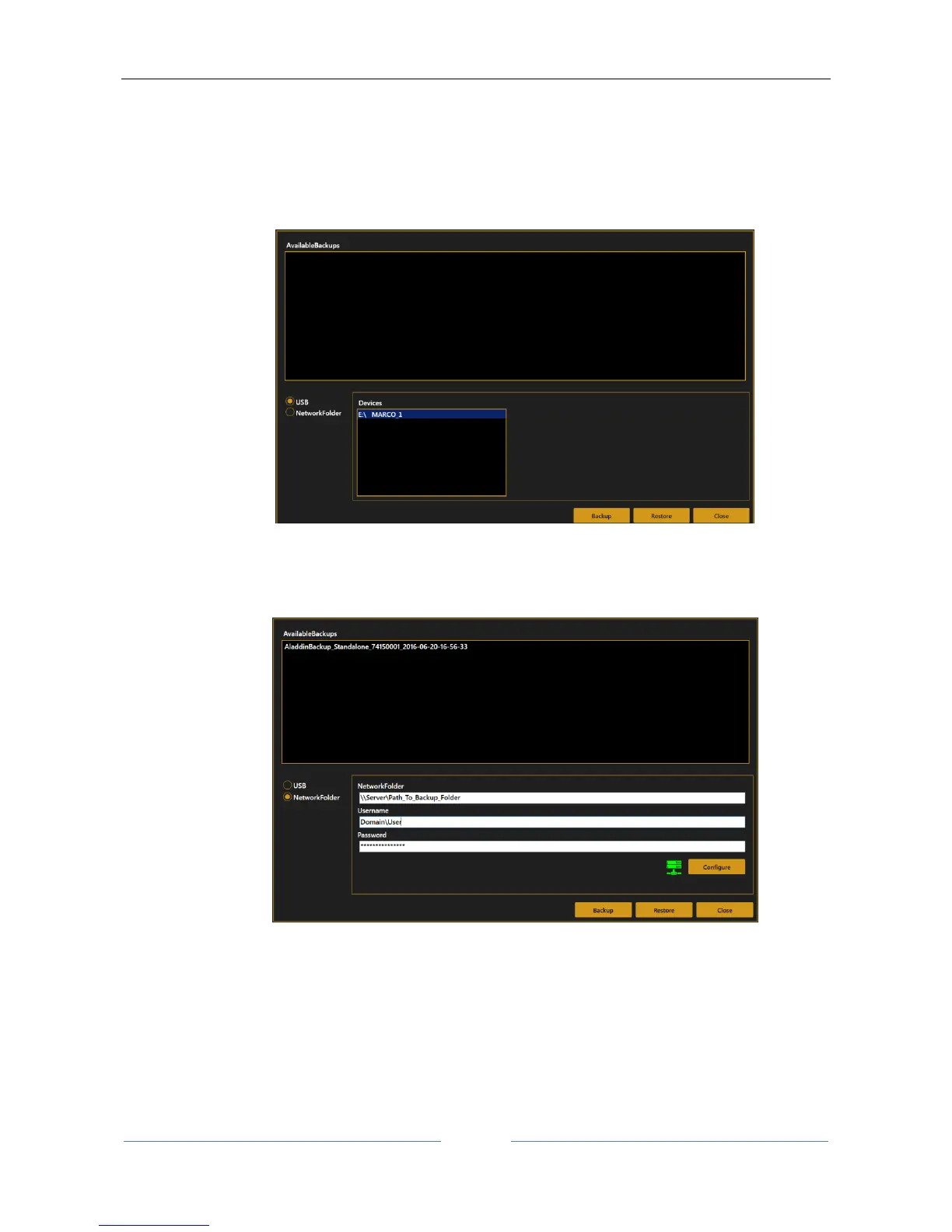
To perform the backup connect the desired USB external storage device or switch to Network Folder option.
1. Select the desired destination:
USB, select the desired partition from the list of the available
Network folder, define (if not already defined) the desired network shared folder destination,
check the connectivity.



 To Next Page