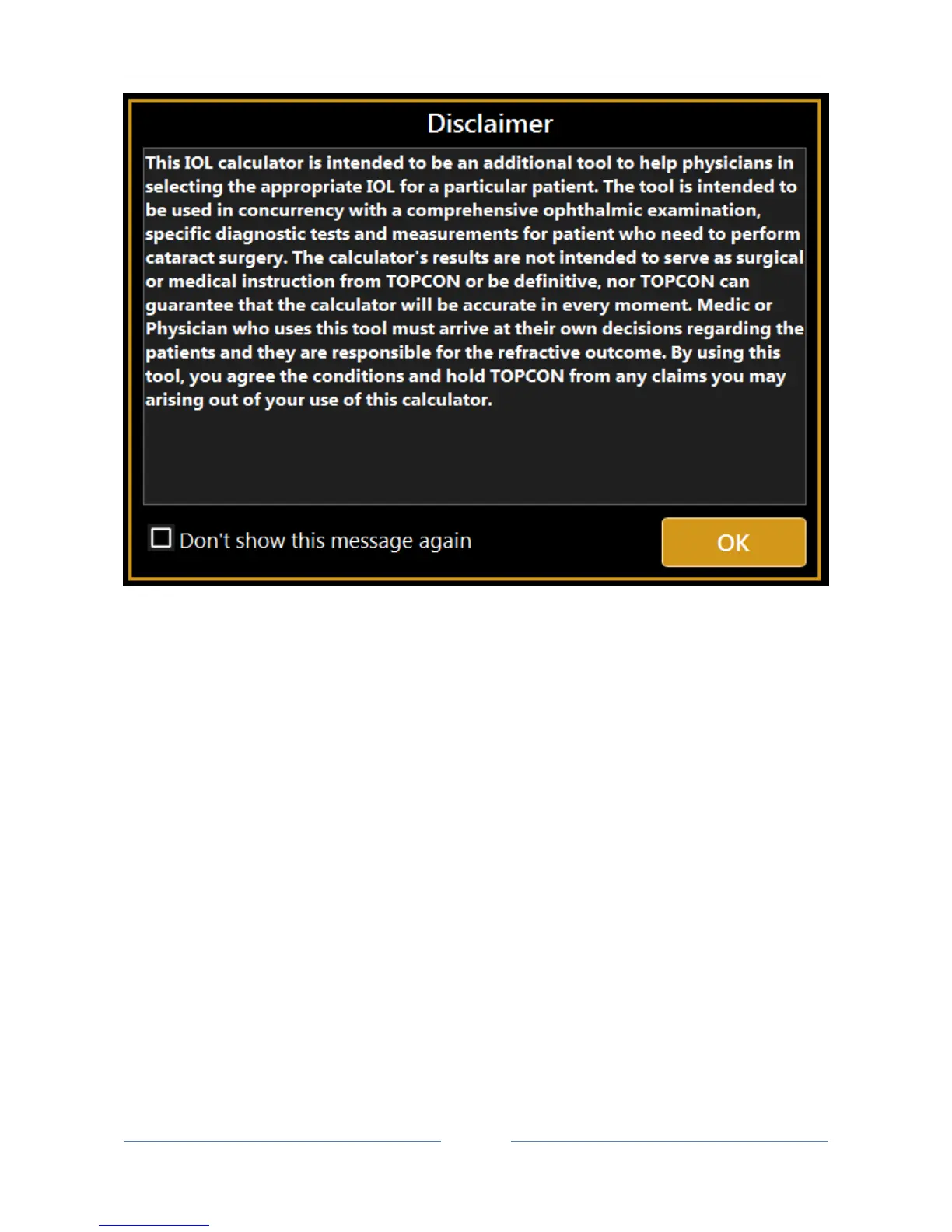
Figure 47
13.12.1 Data
In this section there is a summary of the measurements performed with the instrument.
The screen displayed for the “Data” tab is as shown in Figure 46. As you can see, it has two sections:
- Biometry: detailing the data on the ocular biometry
- Keratometry: detailing the patient's keratometric data
From the “Source” field (present in both the Biometry and Keratometry sections, Figure 46), you can choose
to use the measurements of the “Aladdin” instrument as source, or to enter them manually by pressing the
“Manual” button. In this case, a panel opens (Figure 48) where you can enter the data manually using the
numeric keypad.



 To Next Page