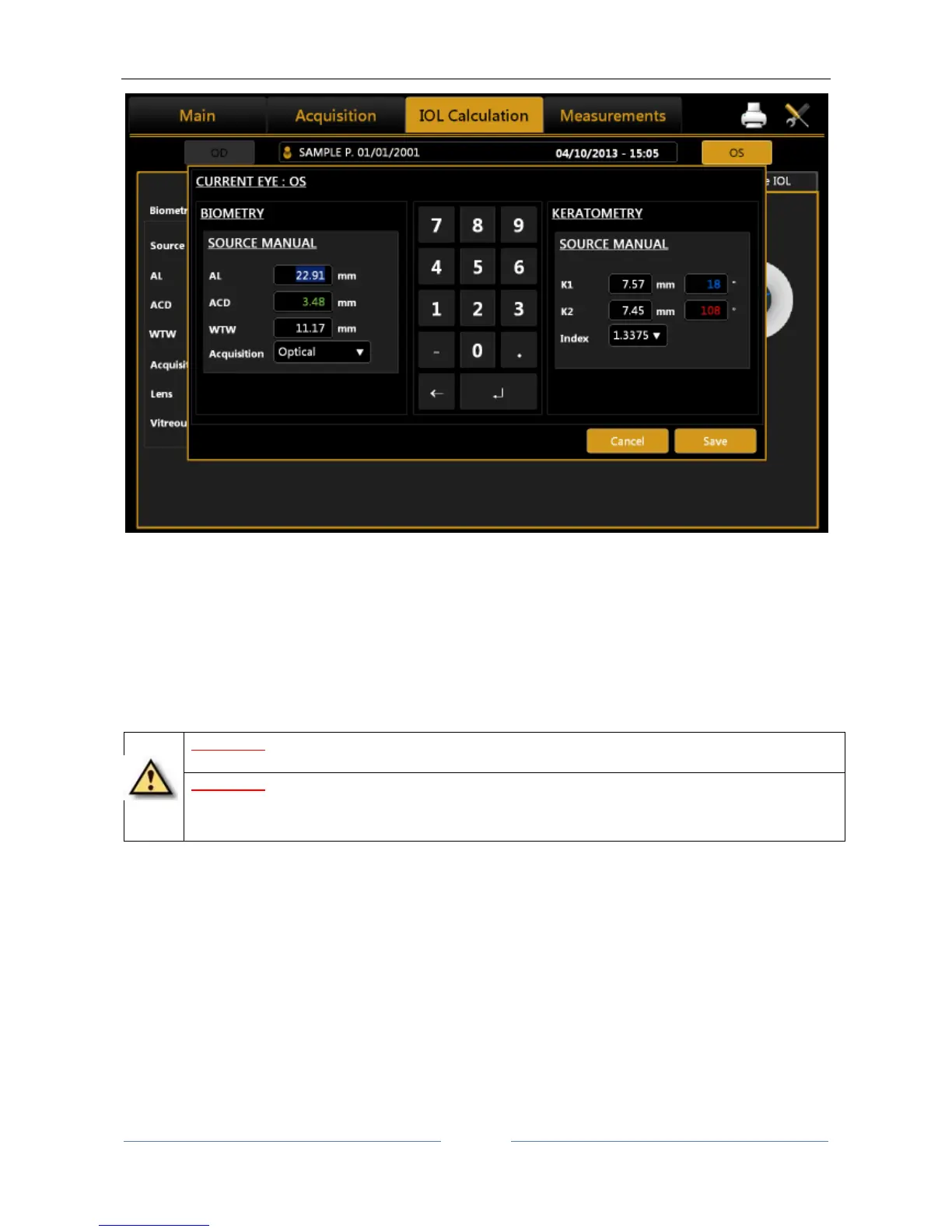
Figure 48
In Figure 48 (Manual Keratometry tab), you can enter values both in Diopters or Millimeters. The values will
be automatically recognized according to a specific range. This range goes from 6.75mm to 9.64mm, (from
35Diopters to 50Diopters). Also every mm/D conversion from now on will be performed on the basis of the
current index in this section.
In Figure 48 you can manually enter biometry data; knowing that an external instrument does not always
work in Optical mode, you can also select acoustic measurement mode.
WARNING: Using data from acoustic instruments also means that the constant of every IOL must be
optimized for those kinds of instrument; at present, it is more common to find online only databases
of lenses optimized for optical interferometry instruments.



 To Next Page