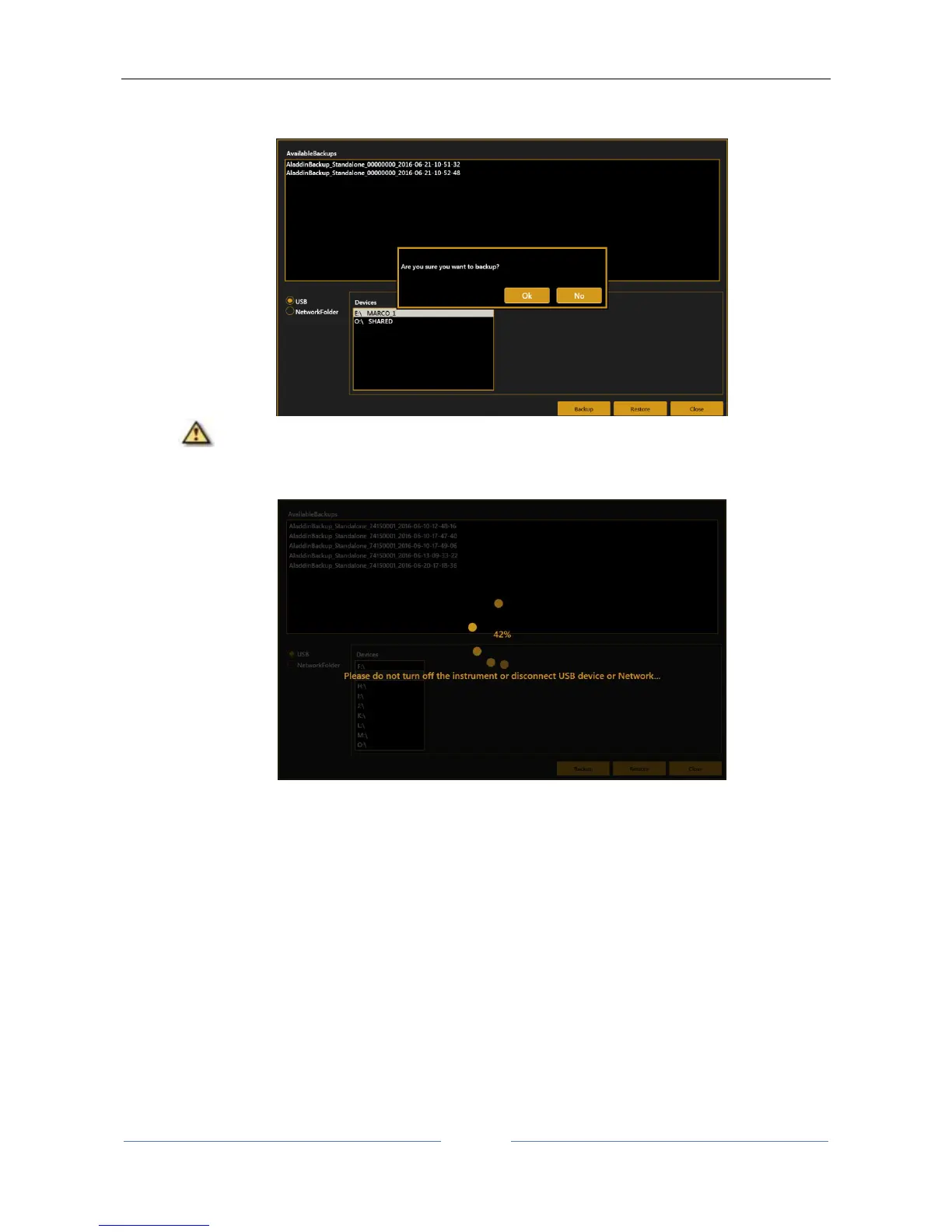
2. Press “Backup” button, wait for the procedure to complete. Press “OK” to confirm the operation or
“No” to do not perform the backup.
Do not turn off the device or unplug the power supply and ethernet cable while performing
this operation. Do not unplug USB devices if USB is the backup destination. This may take several
minutes depending on the exam archive size.
3. After the procedure is completed, a new entry appears in the list of available backup data with the
following naming convention:
AladdinBackup_Standalone_<device serial number>_<backup date>



 To Next Page