Restore Procedure
The machine calibration backup CANNOT be restored to a different machine from the original
one.
If attempting to restore a different machine backup to the current machine the calibration
restore is skipped. Ask to technical assistance in order to restore the calibration.
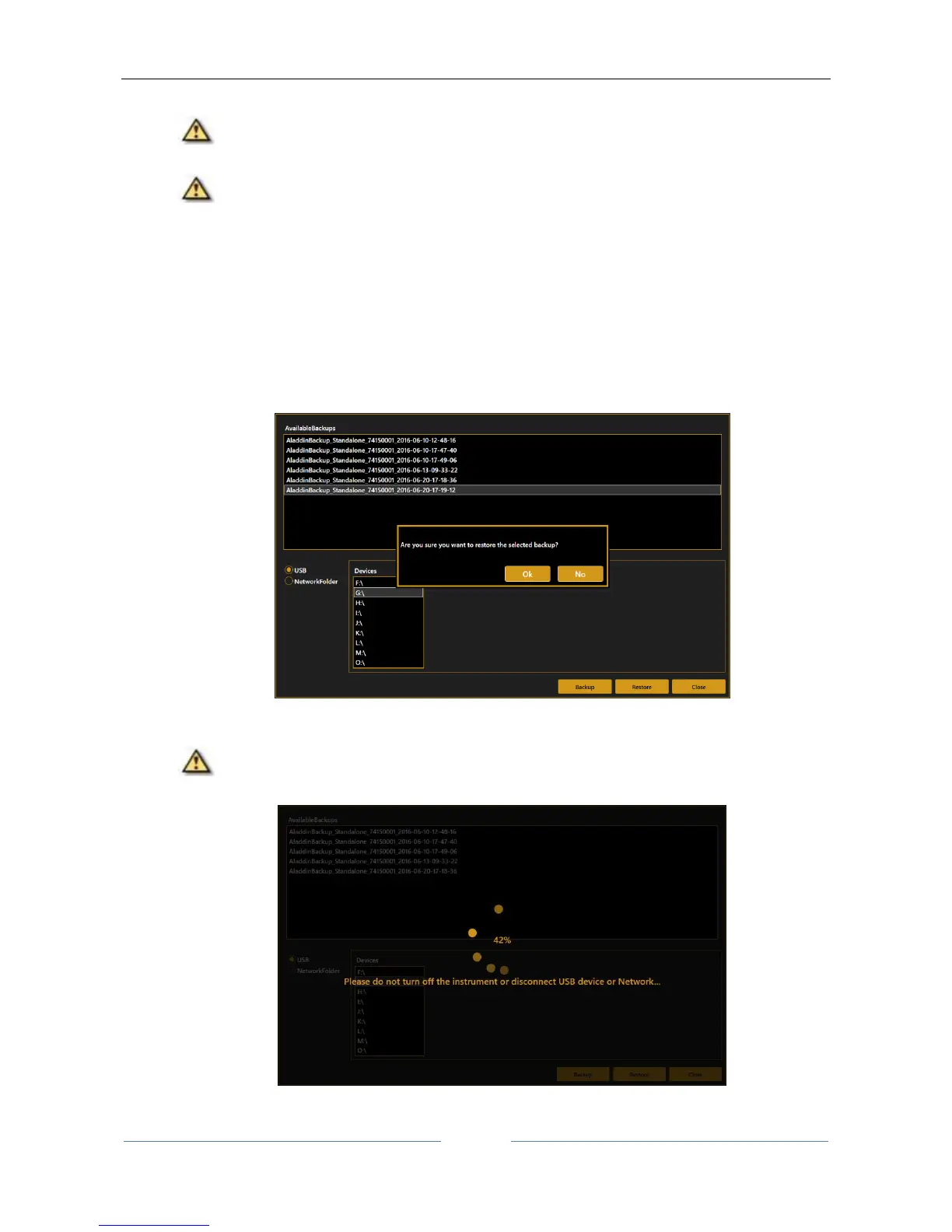
1. Select the source of the backup image to restore (USB or Network Folder). Navigate the list of
detected backup images available at the selected source.
2. Select from the list the backup image you want to restore and press “Restore” button.
Press “OK” to confirm the operation.
3. The Restore procedure starts.
Do not turn off the device or unplug the power supply and ethernet cable while performing
this operation. Do not unplug USB devices if USB is the backup source.



 To Next Page