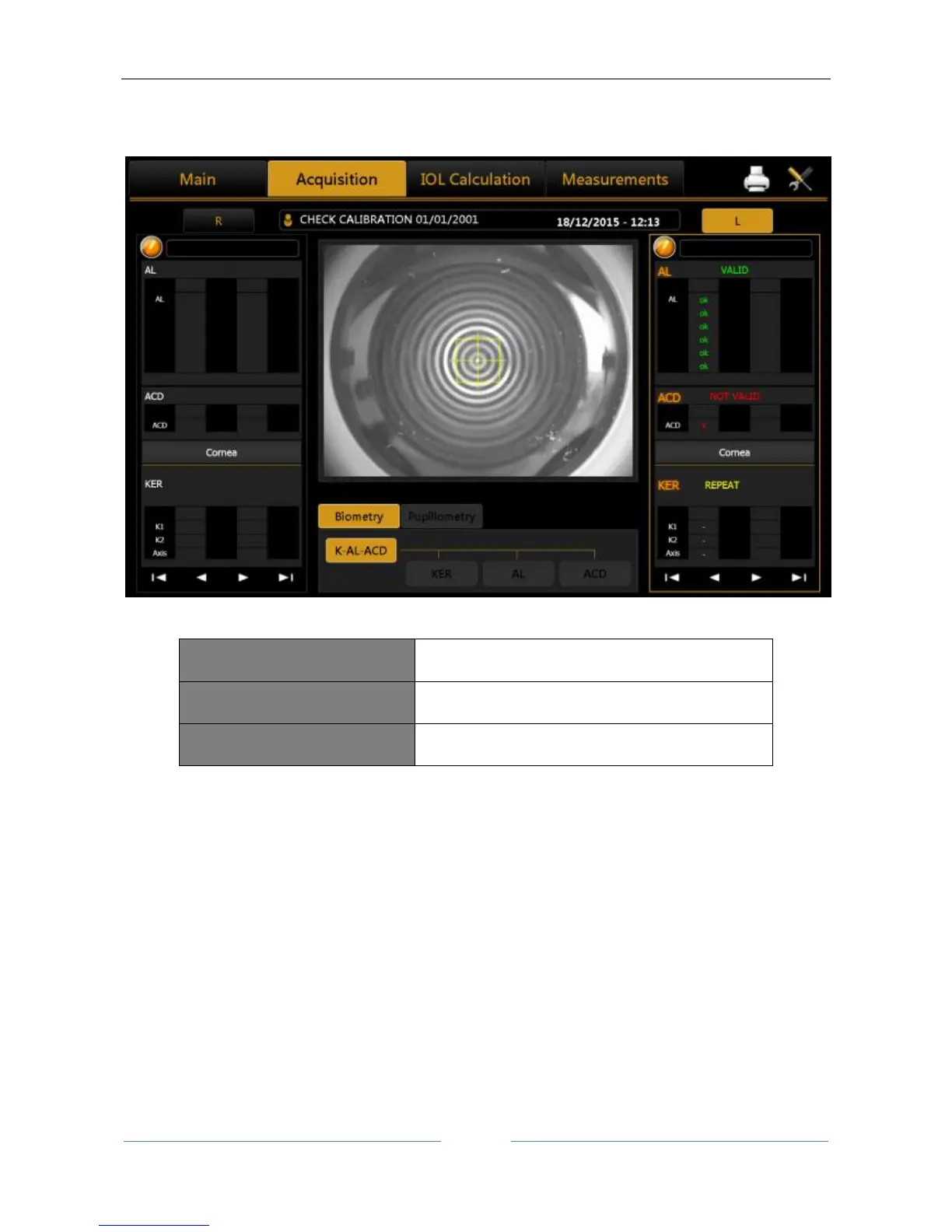
If the calibration goes wrong, try acquiring at least two or three times more with this tips:
improving the environmental conditions (less light and no reflections on the sphere);
cleaning the sphere of the calibration tool;
make sure that the calibration tool is position correctly.
If the calibration check is still not valid, do not take any patient measurement and contact Topcon Technical
Support to have the Aladdin instrument checked.
To complete the measurements, check that all the measurements are valid, click on “Main” to start a new
examination, and when asked, press Yes to save the current “Calibration Check”.



 To Next Page