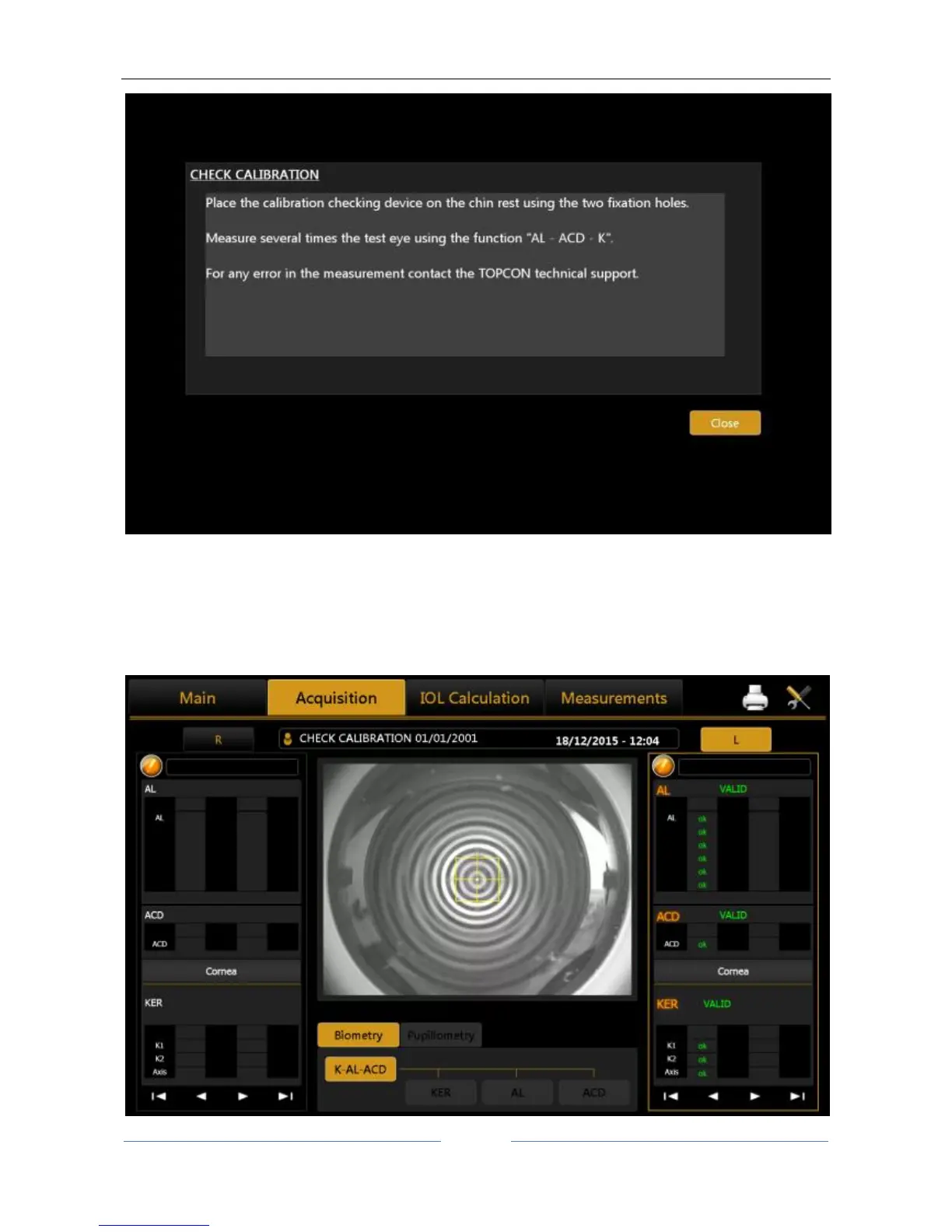
Figure 17
To check the calibration, turn on the instrument and, when asked to check the calibration, press OK. By
pressing ok, the test patient is automatically created. Now check and several times acquire the calibration
checking device using the complete acquisition (AL-ACD-K), in check calibration is not possible to acquire the
single measurements. If the calibration is ok, the “Valid” word will be display for all the three measurements
(Figure 18).



 To Next Page