- Delete: delete a manufacturer. Please note that this function will also delete every IOL
associated to the current manufacturer.
List of functions for IOL model column:
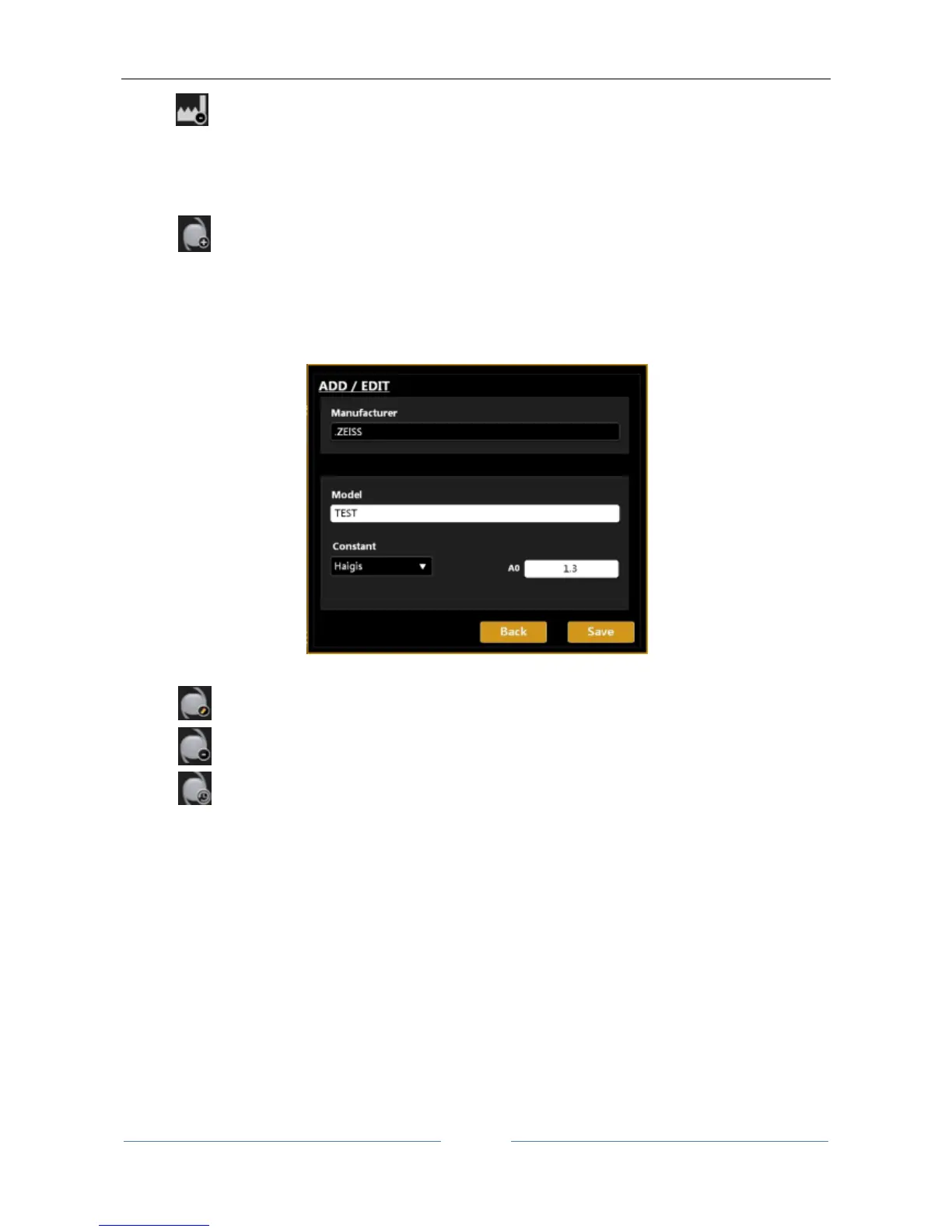
- Add: add a new IOL model to the current manufacturer:
o Insert the model name
o Insert the kind of formula and constant
o Insert the value of the constant, “Haigis A0” in the case below (other constants will
automatically be converted).
Figure 83
- Edit: edit the name of the current IOL
- Delete: delete the selected IOL
- Calculation Constants History: gives information on every change of calculation constants
values as shown in Figure 84.
The possible sources of edit are “Manual” (constants values changed manually by the user), “ULIB”
(constants values changed after an ULIB update) and “Restore” (constants values restored by the
user to a previous version). To restore a previous version you need to select the version to be restored
and then click on the yellow right-arrow and then click on save button.



 To Next Page