the fixation point is displayed in optimum focus in the square on the screen (only the fixation point
should be within the square, not the other image details),
no reflections must be in the image of the cornea (can cause interference), otherwise the reading
will be incorrect,
the anterior crystalline lens is optimally visible. As a rule, the image of the fixation point will lie
between the images of the cornea and the crystalline lens. It should be close to (but not within) the
optical section of the crystalline lens.
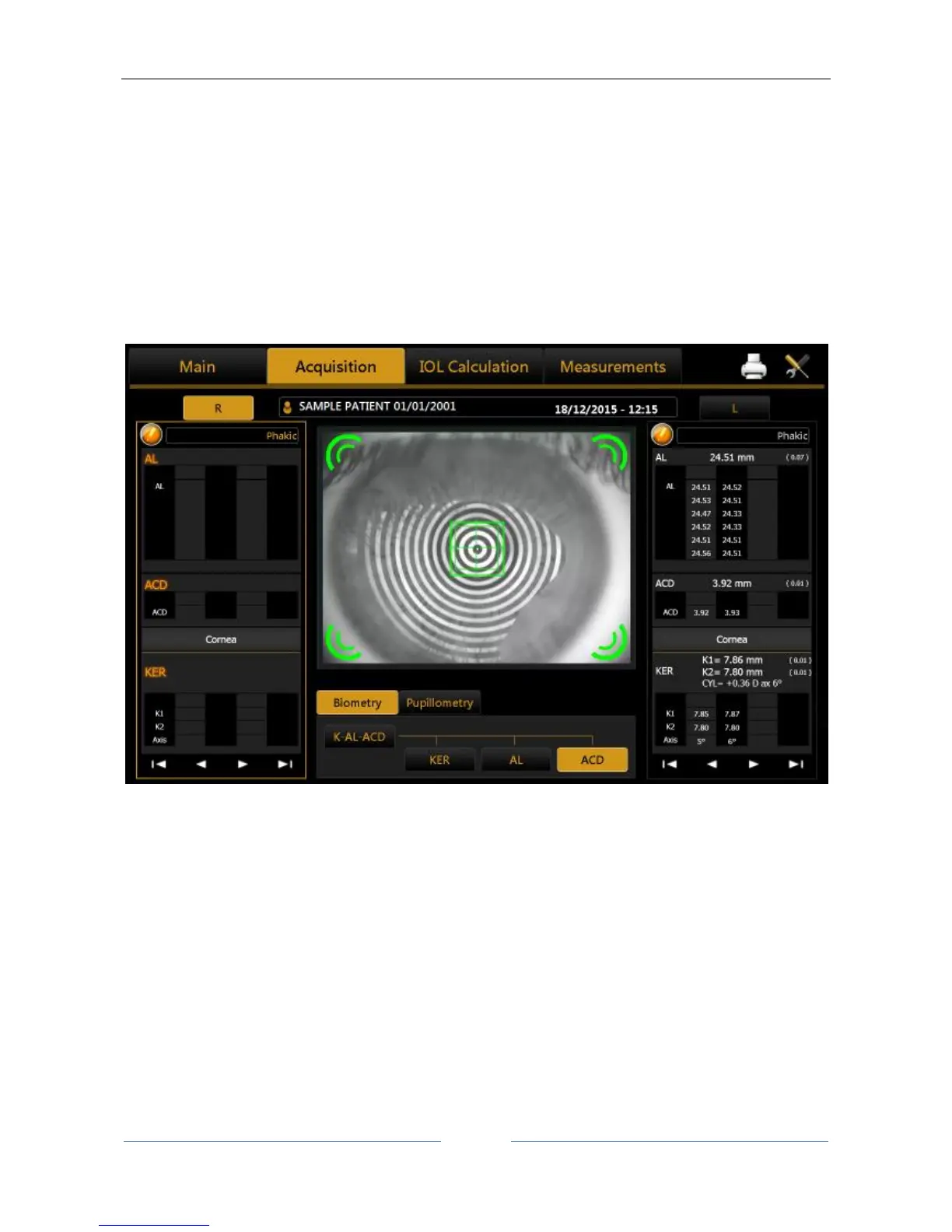
By selecting this mode, the acquisition environment appears as shown in Figure 37.
Press the joystick button and move the device according to the instructions of the automatic guidance system
(red and blue arrows) until ideal conditions have been reached (green icons).
Figure 37
The acquisition proceeds by projecting a slit light beam onto the cornea ( Figure 38).



 To Next Page