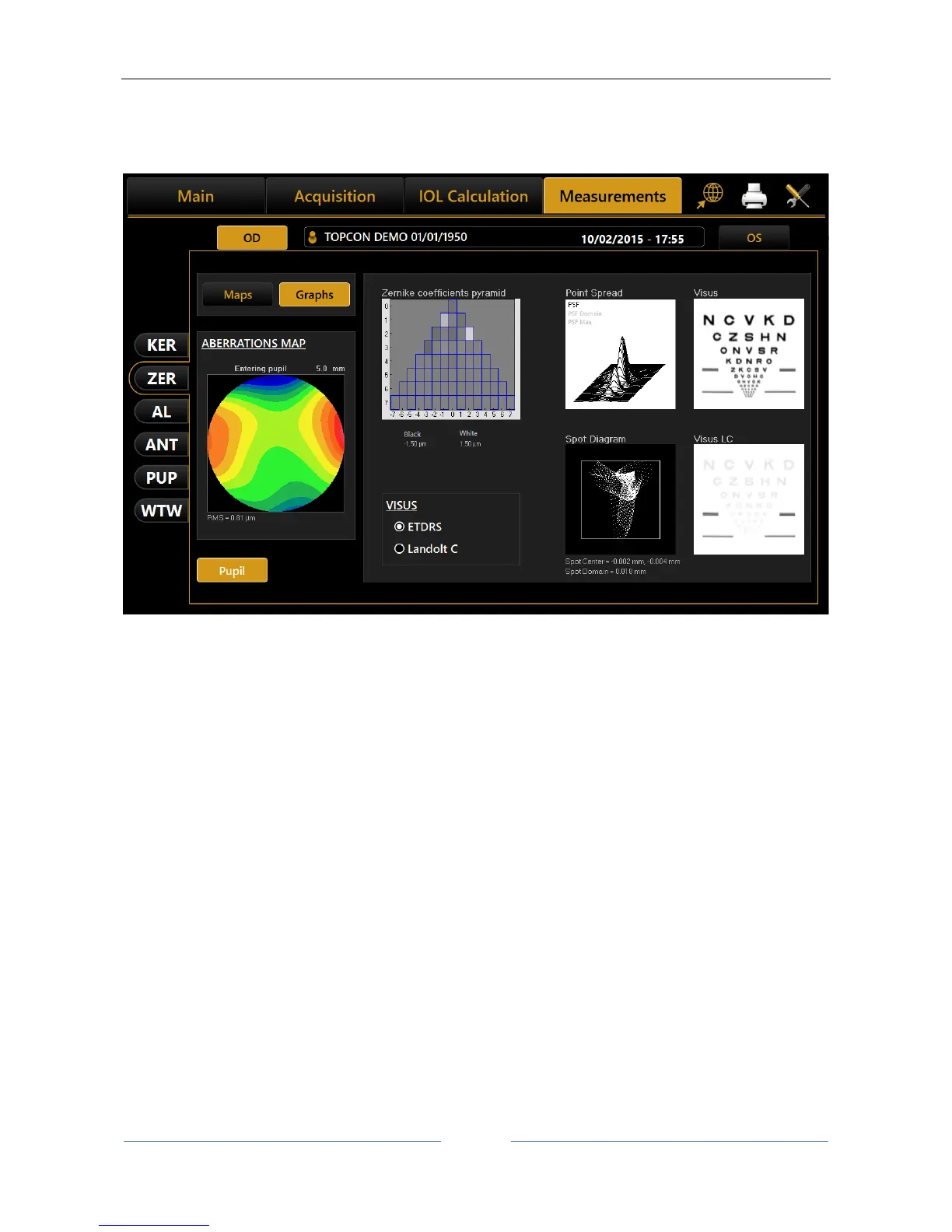
Spot Diagram: represents the spatial distribution of the wavefront over the retina.
Visus/Visus Low Contrast: represent the patient's real vision at high and low
contrast.
Figure 63
The data displayed refers only to the component induced by the anterior surface of the cornea, not by the
eye's entire optical system.
Press the “Maps” button to return to the maps display.
The “Pupil” button opens a panel (Figure 64) where you can select the diameter of the pupil (in a range
between 2 mm and 7.5 mm) to see how the aberrations change with the variation of the pupil diameter.



 To Next Page