Operation
Topcon HiPer Lite and HiPer Lite+ Operator’s Manual
4-16
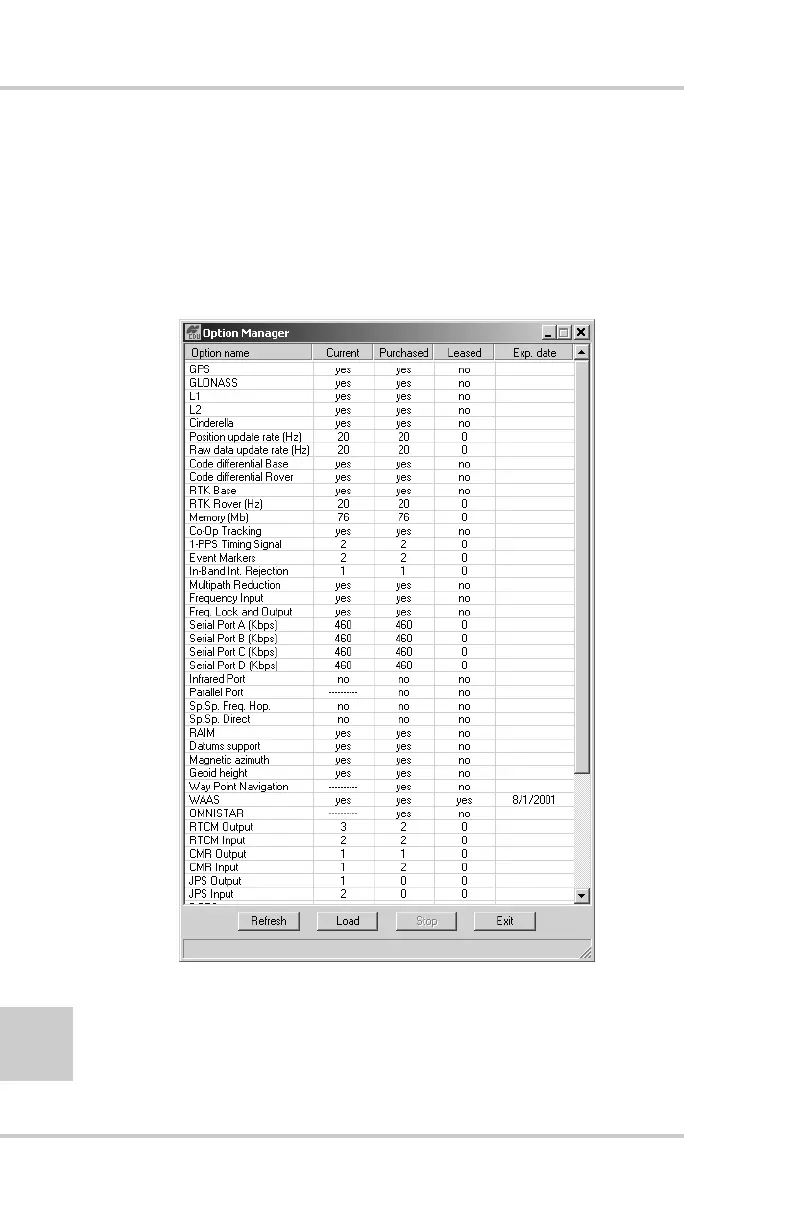
• -1 or “-----” – the firmware version does not support this
option.
• 0 – the receiver option is disabled.
• positive integer – the option is enabled.
• yes or no – the option is either enabled or disabled.
Figure 4-12. Option Manager
3. When finished, click Exit on the Option Manager screen, then
click FileDisconnect to prevent conflicts with serial port
management.



 To Next Page