Checking Receiver Options
P/N 7010-0557 www.topconpositioning.com
4-15
Checking Receiver Options
TIP
TIP
For a complete list of options and their details, visit the
Topcon website.
You can check the status of your receiver’s options, and load any
new OAFs, using the RS232 cable, a computer, and PC-CDU. Refer
to the PC-CDU User’s Manual for a more complete description of
the PC-CDU software.
1. Connect your receiver and computer. See “Connecting the
Receiver and a Computer” on page 2-11 for this procedure.
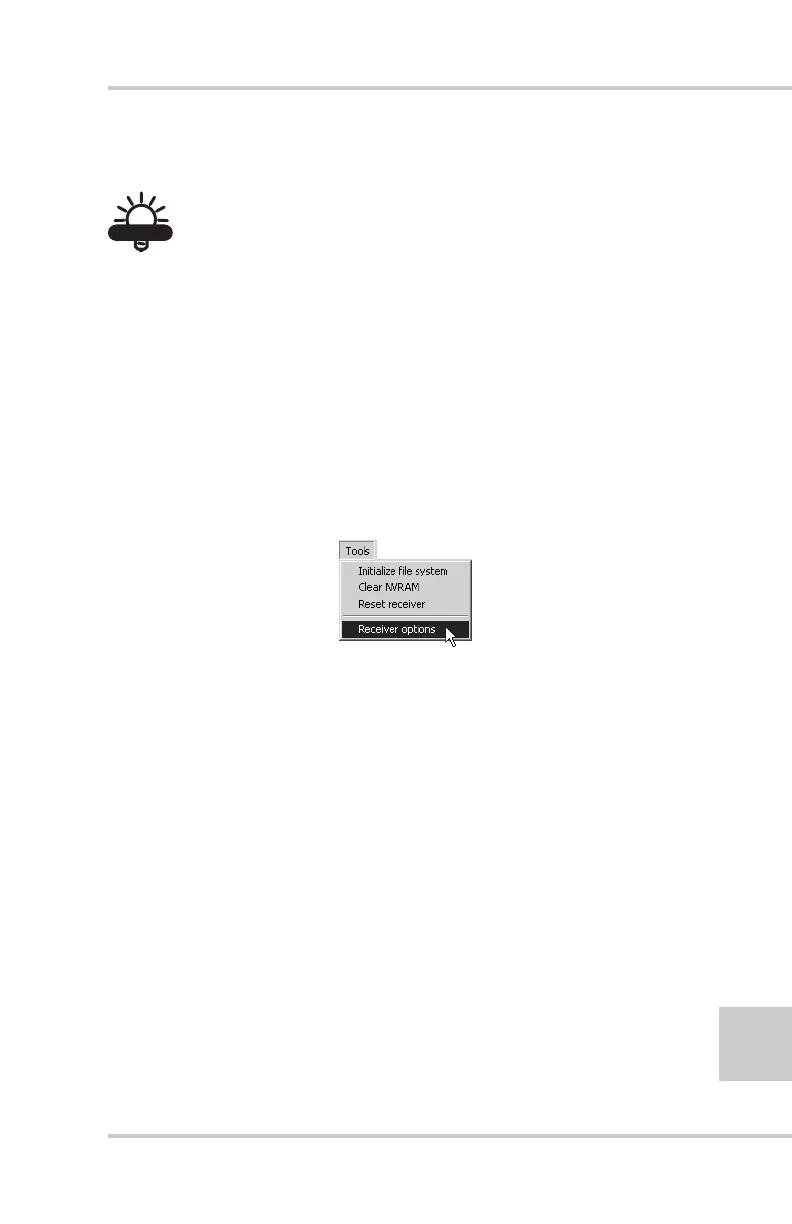
2. Click ToolsReceiver Options (Figure 4-11).
Figure 4-11. Open Receiver Options
The Options Manager screen displays (Figure 4-12 on
page 4-16) and contains the following information:
• Option name – a name/description of the option
• Current – the current status of the option
• Purchased – if the option is purchased or not
• Leased – if the option is leased or not
• Expiration date – the date the option will be disabled, if
applicable
Since Options can be both purchased and leased, the “Current”
status of the option displays the currently effective value.
Option values can be:



 To Next Page