Setup and Survey
Topcon HiPer Lite and HiPer Lite+ Operator’s Manual
3-14
TIP
TIP
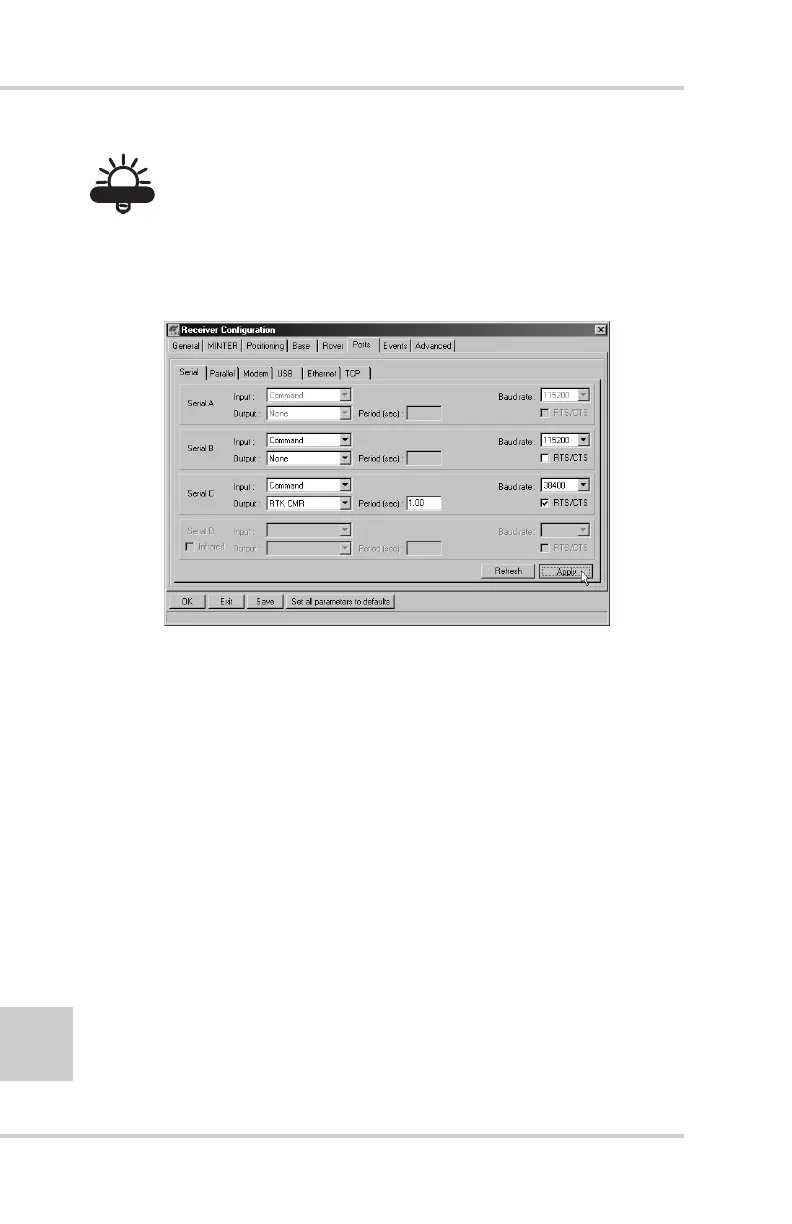
Use a 38400 baud rate. See Table 2-3 on page 2-32 for
information on setting baud rates.
Figure 3-9. Base Configuration – Ports
11. Click Apply. The receiver begins sending data to the
selected port.
For more details on the settings available for configuring
the Base station, refer to the PC-CDU User’s Manual.
Setting up an RTK Rover
Use the following steps to set up an RTK Rover station.
You should already have programmed the modem.
Figure 3-10 on page 3-15 shows the hardware setup for a
Rover station with an external controller.



 To Next Page