Configuration
Topcon HiPer Lite and HiPer Lite+ Operator’s Manual
2-32
4. On the Radio Link tab, enter the following information and
click Apply (Figure 2-27 on page 2-34).
• Operation mode – select Receiver for Rover stations; select
Off if the radio is turned off; select Transmitter for Base
stations.
• Output power – enabled only when Transmitter selected,
this field adjusts the transmission power of the Base
station’s radio modem.
• Link Rate – select the data transmission rate for the RF
link; either 9600, 12000, 17000, 24000, or 51000 bps.
As opposed to a baud rate (the rate of data transfer through
a serial cable interface), the link rate is the amount of data
(measured in bits) the radio modem can transmit/receive
over the air in a specified time period (measured in
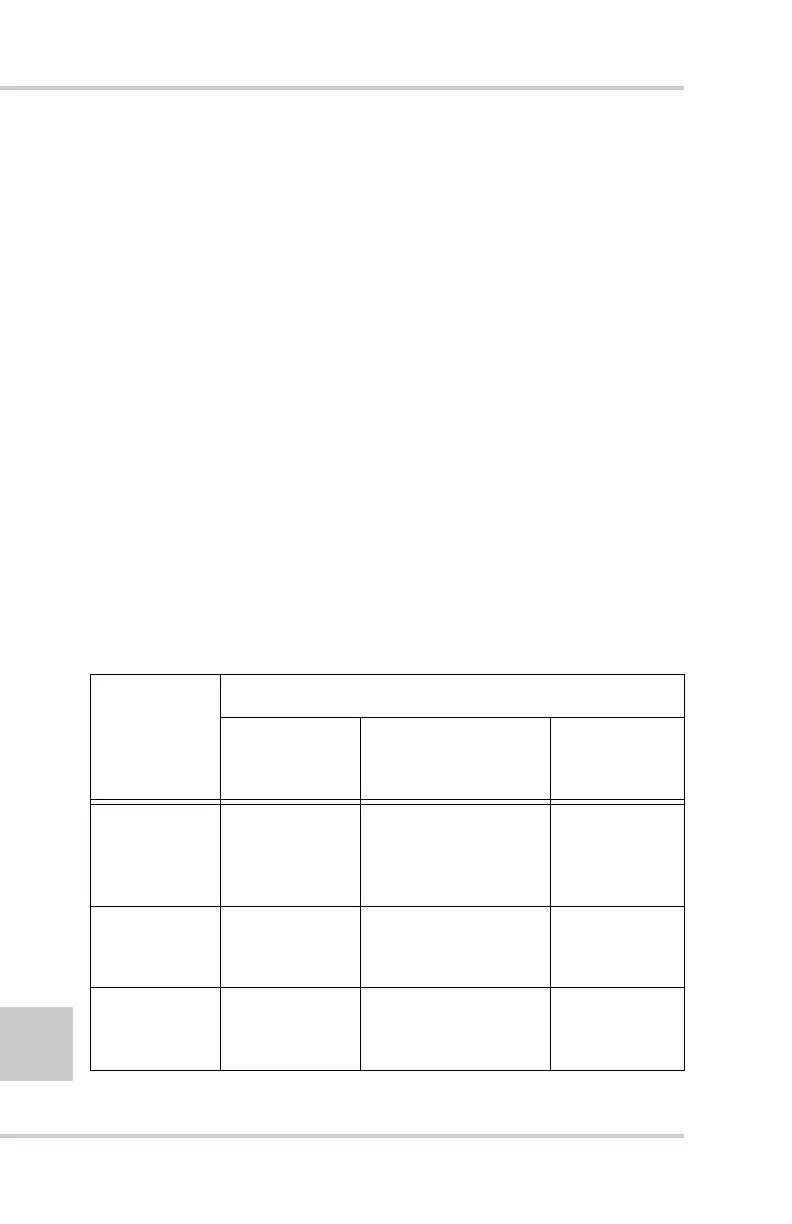
seconds). Table 2-3 shows the relationship between the
radio interface link rates and the serial interface baud rates
used at the transmitter and receiver(s) ends.
Table 2-3. Link Rate vs. Baud Rate Comparison
If data packet
size (in bits)
is between...
Use the following setting for...
Transmitter
serial baud
rate (bps)
Link rate (bps)
Receiver
serial baud
rate (bps)
0–9600 9600
19200
9600 (recommended)
12000
9600
19200
38400
57600
9600–12000 19200
38400
12000 (recommended)
24000
19200
38400
57600
12000–17000 19200
38400
17000 (recommended)
24000
19200
38400
57600



 To Next Page