Bluetooth Module Configuration
P/N 7010-0557 www.topconpositioning.com
2-37
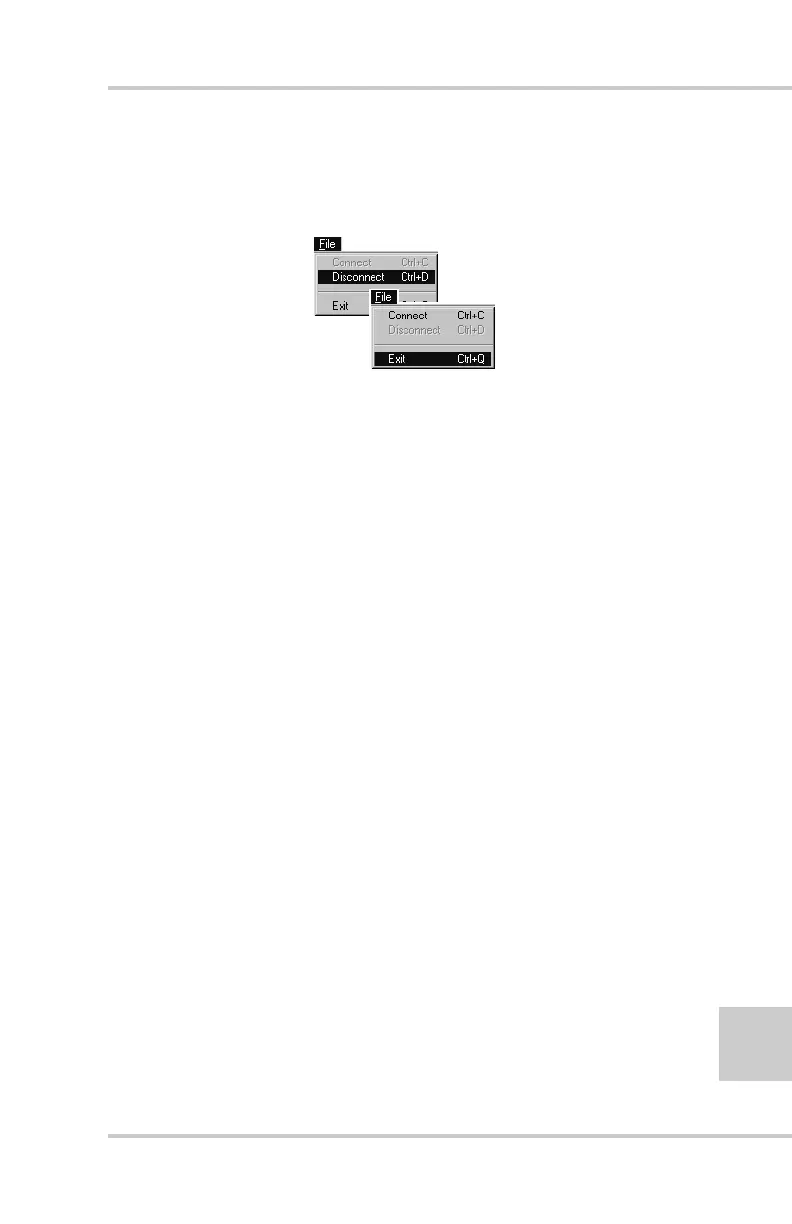
8. Click FileDisconnect (Figure 2-31), then click FileExit to
quit the program. Continue with other configuration or
operation functions as needed.
Figure 2-31. Click Disconnect then Exit
Bluetooth Module Configuration
Use BTCONF, the Bluetooth module’s configuration program, and
your computer to:
• access the Bluetooth wireless technology module
• configure the Bluetooth module
• check or change the module’s configuration
To access the Bluetooth wireless technology module, first download
and install BTCONF, then connect your computer and the receiver
and run the configuration program.
1. Create or locate the following folder:
C:\Program Files\TPS\BTCONF
2. Download btconf.zip from the TPS website and unzip it into the
BTCONF folder. This file contains Btconf.exe, the executable
file for the Bluetooth module configuration program.
Each time you run BTCONF and configure the Bluetooth module,
BTCONF saves your settings in a file (btconf.ini). BTCONF
automatically updates the file each time you make changes to the
Bluetooth module’s settings.



 To Next Page