Configuration
Topcon HiPer Lite and HiPer Lite+ Operator’s Manual
2-14
Establishing a PC-CDU Connection
PC-CDU is a Personal Computer-Control Display Unit
software used to manage the various functions of your receiver.
The full range of PC-CDU configuration and function is outside
the scope of this manual. For more information on any of the
procedures in this section or on PC-CDU, refer to the PC-CDU
User’s Manual available on the TPS website.
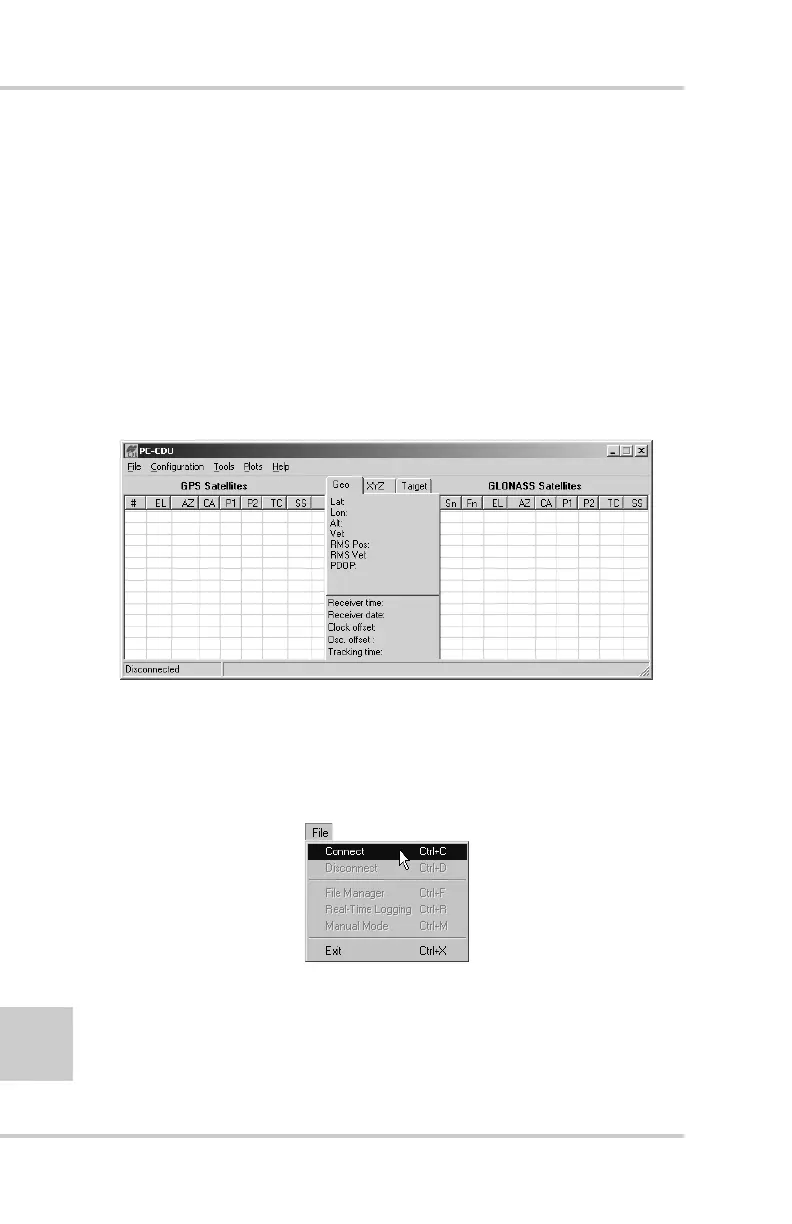
1. Once the receiver and a computer are connected, start
PC-CDU on your computer. The PC-CDU main screen
displays (Figure 2-9).
Figure 2-9. PC-CDU Main Screen
Notice that the lower-left hand corner shows the receiver
status as “Disconnected”.
2. Click FileConnect (Figure 2-10).
Figure 2-10. Connect to Receiver



 To Next Page