Troubleshooting
Topcon HiPer Lite and HiPer Lite+ Operator’s Manual
5-12
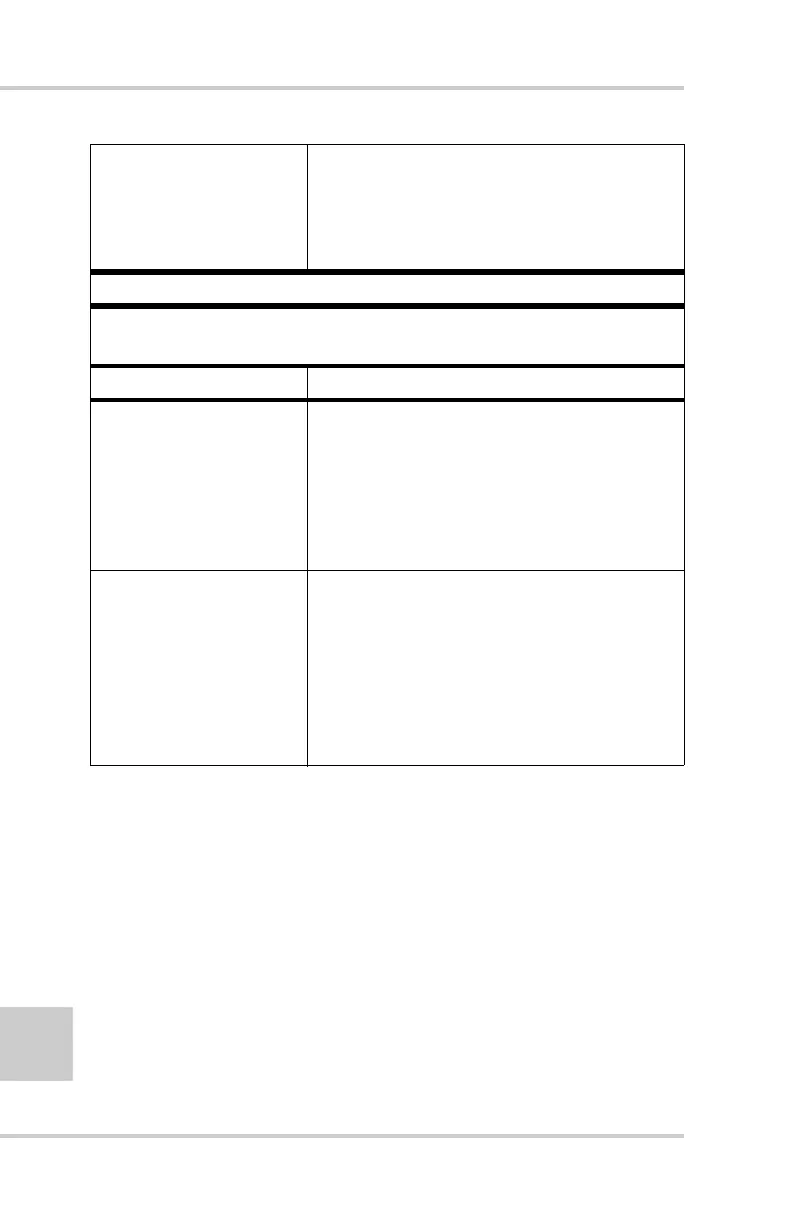
The devices may be
out of acceptable radio
range.
• Verify that your devices are within
acceptable radio range.
• Move the devices within radio range.
Problem
Can see the icon for the receiver’s Bluetooth module on the
computer screen, but cannot connect to it.
Causes Solution
Device security
settings probably
differ.
• Make sure your Bluetooth enabled
devices use the same security settings.
• See “Bluetooth Module Configuration”
on page 2-37, specifically Figure 2-36
on Figure 2-36 for details on changing
security settings.
Bluetooth module
settings may have
changed.
1. If you changed settings for your
Bluetooth module, remove it from
the list of discovered Bluetooth
devices using the Bluetooth manager
program (supplied with the device
used to manage the receiver).
2. Repeat the search.



 To Next Page