51
INITIAL SETTING
RL
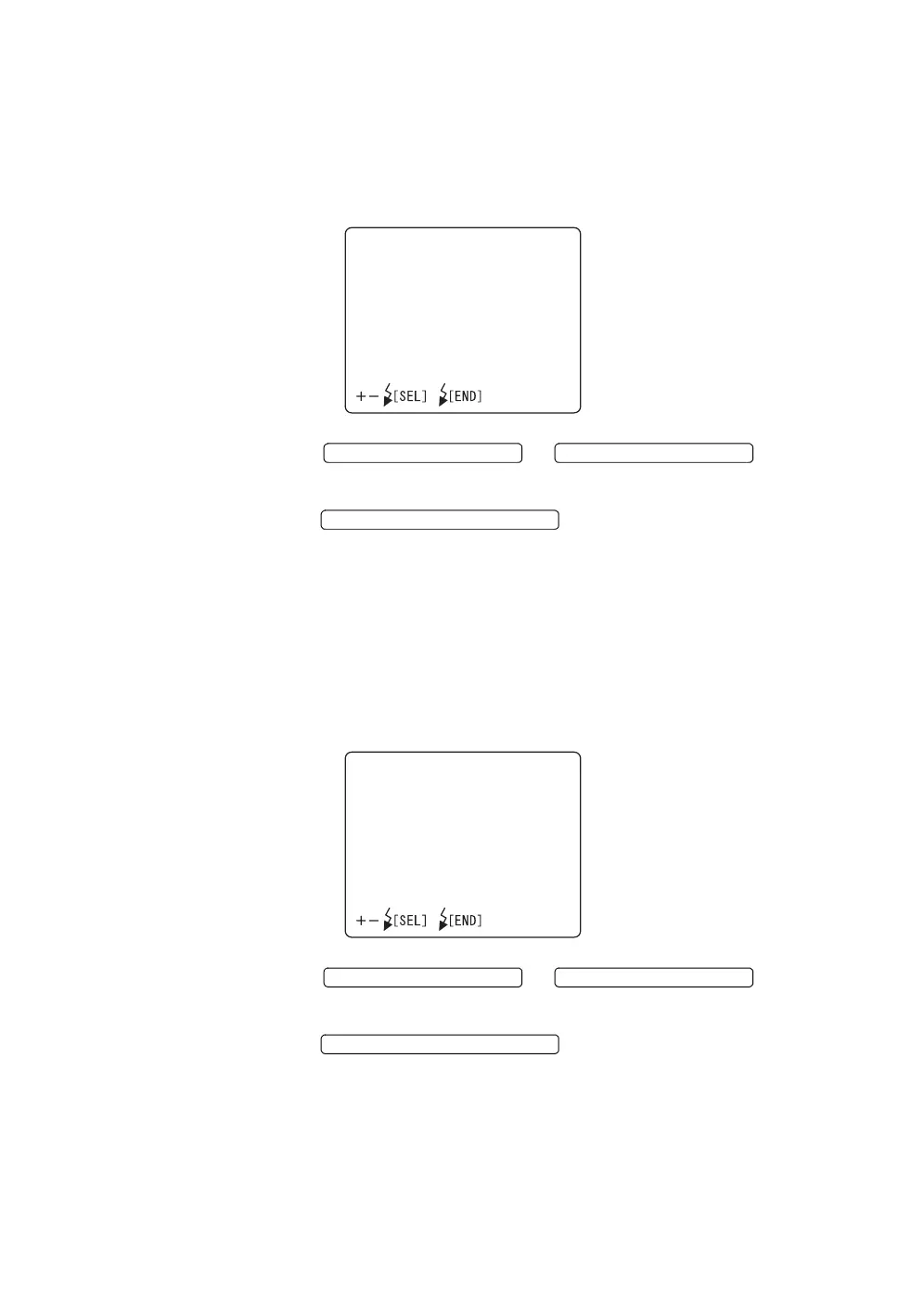
The right/left eye information may be displayed on the monitor. When shipped,
"ON" (display) is set.
1 Select "RL" on the "MONITOR DISPLAY" screen and access the "RL" dis-
play.
2 Press the or and select
"ON" (display) or "OFF" (no display).
3 Press the ; the setting is done and the "MON-
ITOR DISPLAY" screen is reset.
CF counter
The remaining CF card number may be displayed on the monitor. When shipped,
"ON" (display) is set.
1 Select "CF COUNTER" on the "MONITOR DISPLAY" screen and access
the "CF COUNTER" display.
2 Press the or and select
"ON" (display) or "OFF" (no display).
3 Press the ; the setting is done and the "MON-
ITOR DISPLAY" screen is reset.
RL
ON
OFF
FLASH LEVEL SWITCH (+)
FLASH LEVEL SWITCH (
)
FLASH LEVEL SWITCH (RESET
CFCOUNTER
ON
OFF
FLASH LEVEL SWITCH (+)
FLASH LEVEL SWITCH (
)
FLASH LEVEL SWITCH (RESET














 To Next Page