72
BASIC OPERATIONS
When changing the photography mode to the input mode with the
, press the for 1 second or more. The ID
numbers can be reset to the initial values (zero).
[Example of input]
12345678_0001 (Display) ⇒ 12525678-0001 (Change)
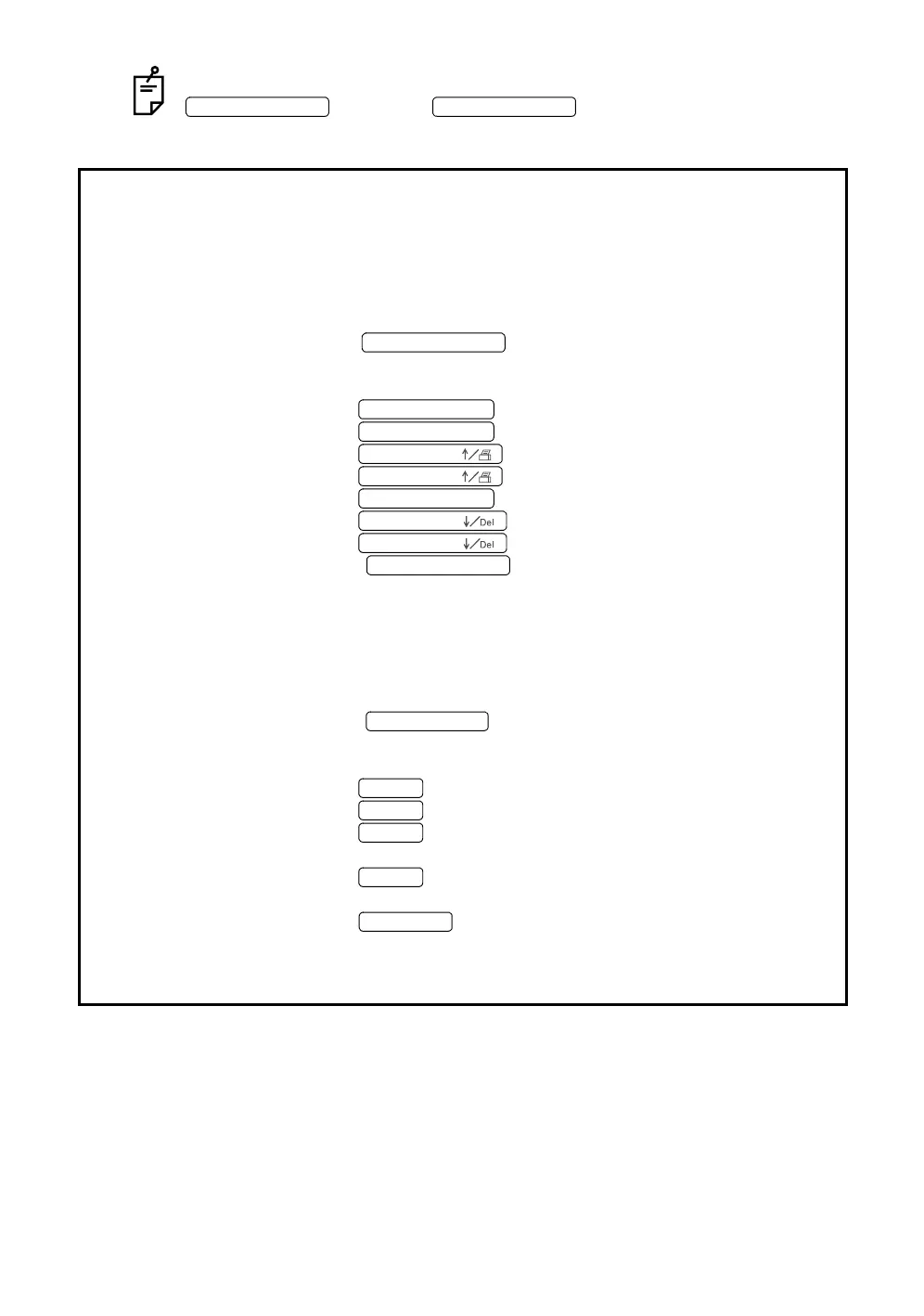
[Display and procedure] (When the No. switch is used)
12345678_0001: The newest ID number recorded on the CompactFlash
®
card is dis-
played.
12345678_0001: Press the . The numeral "1" at the leftmost end
flickers.
The photography mode is changed to the input mode.
12345678_0001: Press the . The digit is changed and "2" flickers.
12345678_0001: Press the . The digit is changed and "3" flickers.
12445678_0001: Press the . The flickering "3" is changed to "4".
12545678_0001: Press the . The flickering "4" is changed to "5".
12545678_0001: Press the . The digit is changed and "4" flickers.
12535678_0001: Press the . The flickering "4" is changed to "3".
12525678_0001: Press the . The flickering "3" is changed to "2".
12525678_0001: Press the . The numeral does not flicker and
photography is possible.
The input mode is changed to the photography mode.
[Display and procedure] (When the ten button keypad (optional) is used)
12345678_0001: The newest ID number recorded on the CompactFlash
®
card is dis-
played.
12345678_0001: Press the . The numeral "1" at the leftmost end
flickers.
The photography mode is changed to the input mode.
12345678_0001: Press the . The digit is changed and "2" flickers.
12345678_0001: Press the . The digit is changed and "3" flickers.
12545678_0001: Press the . The flickering "4" is changed to "5".
12545678_0001: The digit is changed and "4" flickers.
12525678_0001: Press the . The flickering "4" is changed to "2".
12525678_0001: The digit is changed and "1" flickers.
12525678_0001: Press the . The numeral does not flicker and photogra-
phy is possible.
The input mode is changed to the photography mode.
No. SWITCH (Num
No. SWITCH (Num
No. SWITCH (Num
No. SWITCH ( →
No. SWITCH ( →
No. SWITCH (
No. SWITCH (
No. SWITCH ( →
No. SWITCH (
No. SWITCH (
No. SWITCH (Num
KEY (NumLock)
KEY (+
KEY (+
KEY (5
KEY (2
KEY (Enter














 To Next Page