73
BASIC OPERATIONS
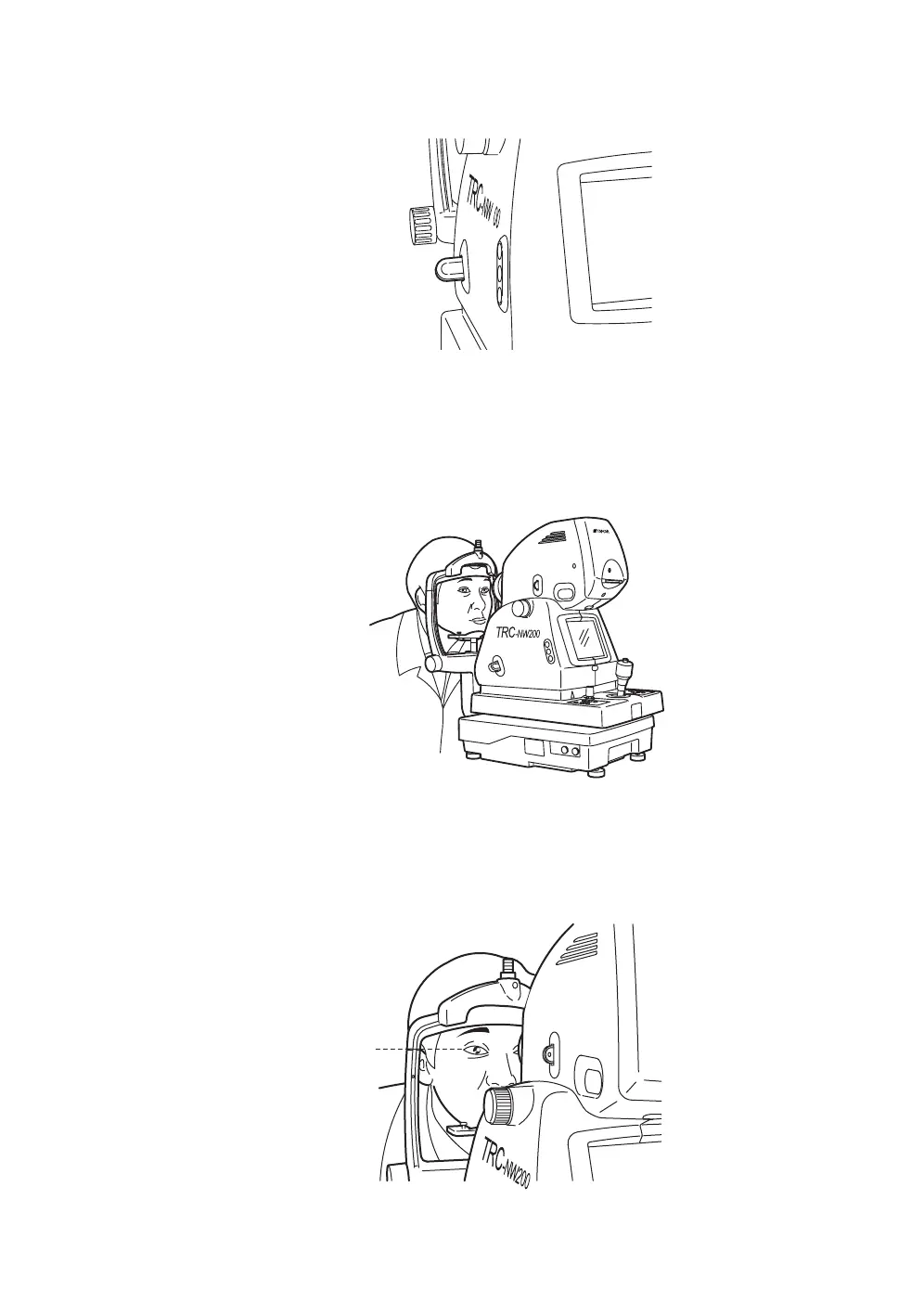
3 Make sure that the IR filter selector is pushed in.
4 Seat the patient comfortably in an exam stool or exam chair in front of the
instrument.
5 Adjust the table height or chair height so the patient can relax with his/her
chin placed centrally on the chinrest.
Let the patient rest his/her chin on the chinrest.
6 Adjust the chinrest height by turning the chinrest handle so the outside cor-
ner of the patient’s eye is level with the Canthus marker on the chinrest post.
Let the patient rest his/her forehead on the forehead rest. Without the fore-
head up against the forehead rest sharp, in-focus images may not be pos-
sible.
IR
2
IR filter selector being pushed in
Canthus marker














 To Next Page