- 15 -
(2) Where the Saved Data Call Command is used:
NOTES: (1) When placing new paper, the Feed Command must always be sent. When using the
same paper after the power is turned off and on, the Feed Command may be omitted.
(2) If the option for “automatic call at power on” for the Saved Data Call Command has
previously been selected, the Saved Data Call Command may be omitted after the
power is turned off and on.
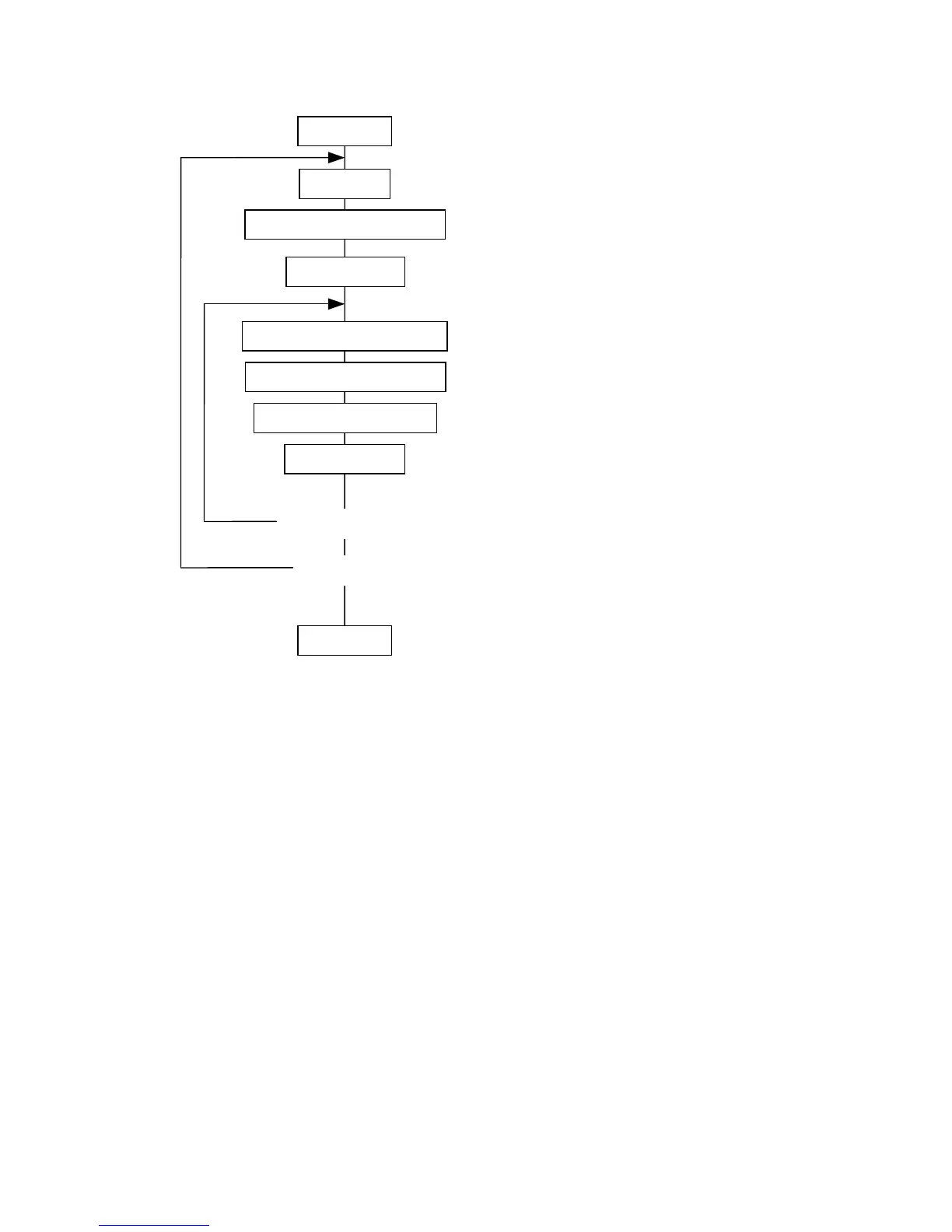
Power ON
Bit Map Font Data Command
<Change data issue>
Yes
Place paper
Saved Data Call Command
[ESC] XQ: Calls the label format stored in the flash
memory.
[ESC] RC: Draws bit map font data.
Feed Command
[ESC] T: Feeds one sheet of paper and aligns it
with the first printing position.
Outline Font Data Command
[ESC] RV: Draws outline font data.
Bar Code Data Command
[ESC] RB: Draws bar code data.
Issue Command
[ESC] XS: Issues (prints) the label.
No
<Label change>
Yes
No
Power OFF



 To Next Page
 Loading...








