160
• Restart the modem and the mesh device.
1 ) Power off your modem and mesh device, and leave them off for 1 minute.
2 ) Power on your modem first, and wait about 2 minutes until it get a solid cable
or Internet light.
3 ) Power on the mesh device.
4 ) Wait another 1 or 2 minutes and check the internet access.
• Double check the internet connection type.
1 ) Confirm your internet connection type, which can be learned from the ISP.
2 ) Visit http://tplinkwifi.net and log in with your TP-Link ID or the password you set
for the mesh device.
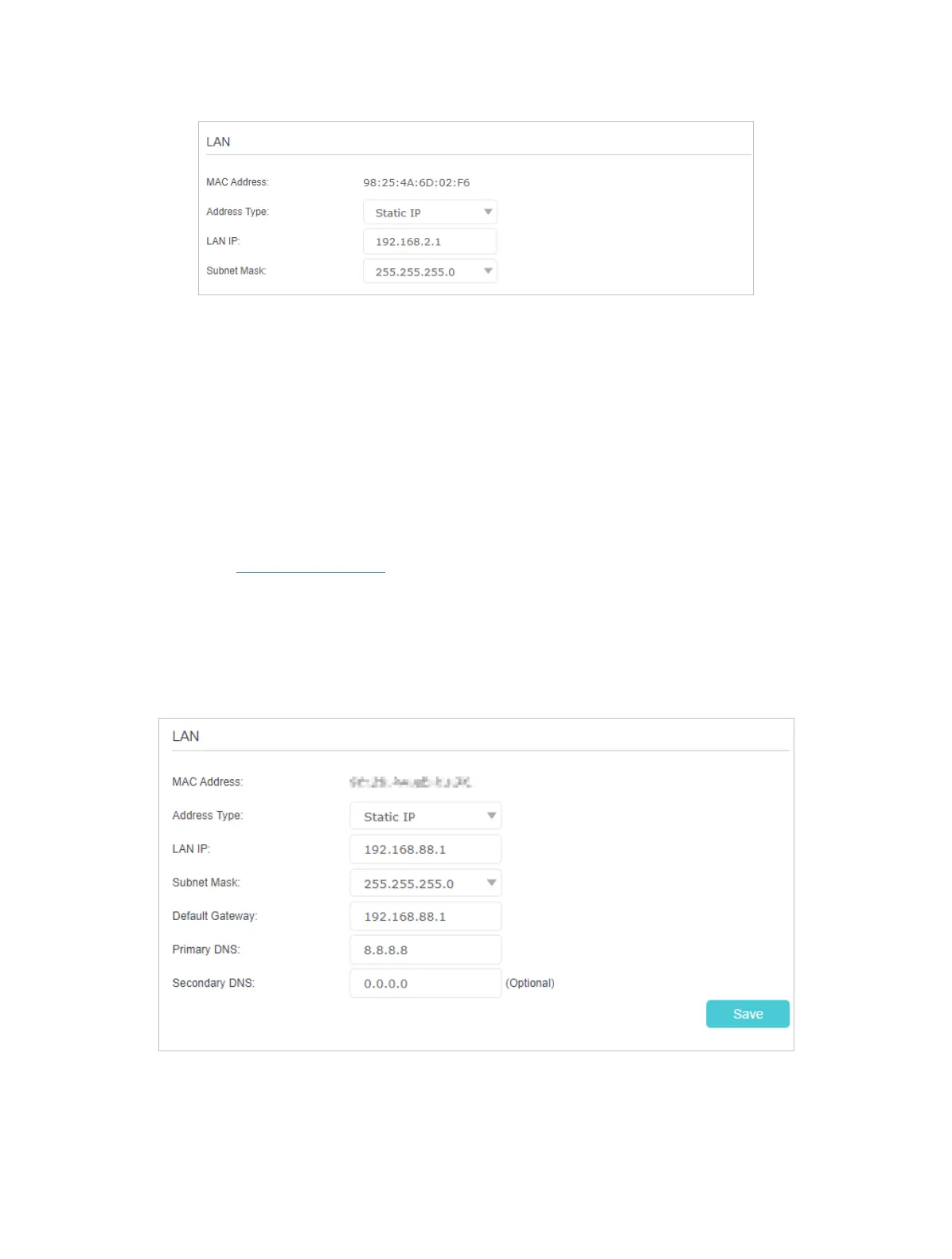
3 ) Go to Setting > Network > LAN Settings.
4 ) Select your Address Type and fill in other parameters.
5 ) Click Save.
6 ) Restart the modem and the mesh device again.
• Please upgrade the firmware of the mesh device.














 To Next Page