How to Operate the Printrex
®
980 Printer
Page 104 100-11672 - Rev D
Clearing Paper Jams
If the paper jams while the printer is printing, the printer will stop and the
Status Monitor will display a paper jam message. Follow the procedure below
to remove the jammed paper.
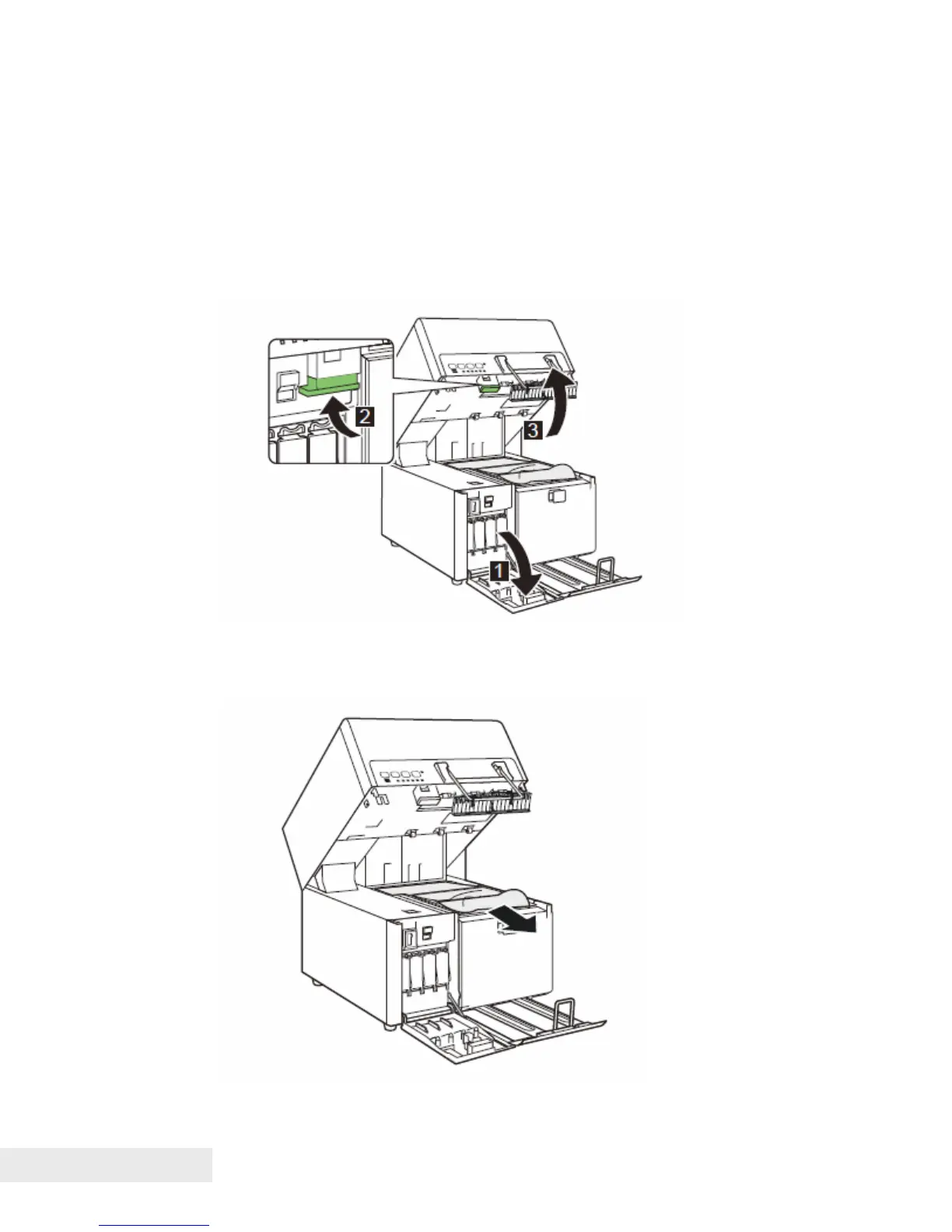
1. Open the ink tank door, and then push the upper unit release lever up to
open the upper unit.
2. Remove the paper jammed on the transport unit.



 To Next Page