Appendix A: Ordering Genuine Ithaca Supplies
100-11672 - Rev D Page 217
Operation Procedures
Start Procedure
1) Connect PC and Printer using USB Cable.
2) Turn on Printer.
3) After starting up PC, start Service Utility by either of the following
procedure:
• Double-click Service Utility icon.
• Click [Start] > click [Devices and Printers] > right click [980] > click [Printer
properties]
> click [Utility] > click [Service].
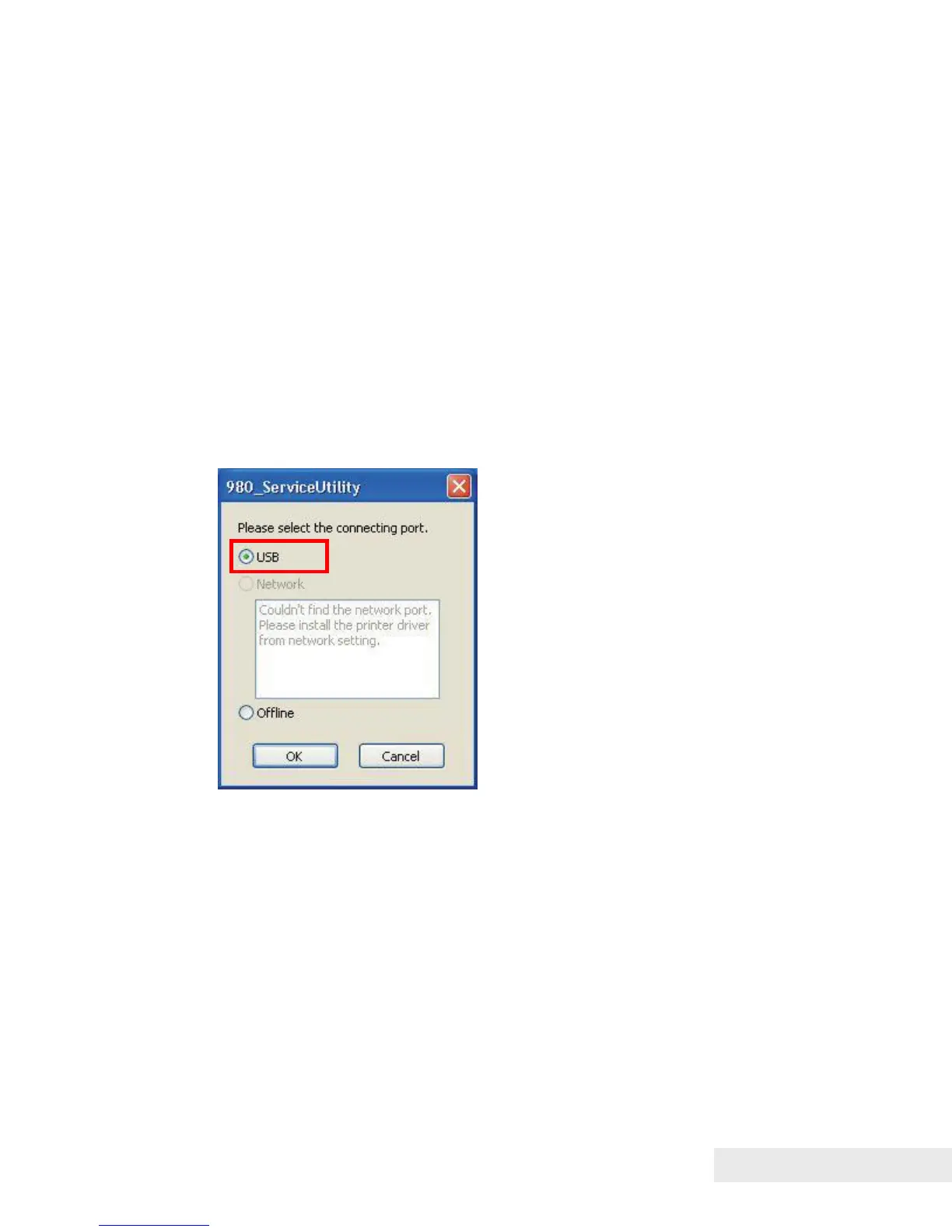
4) Select connecting port and then click "OK".



 To Next Page