Appendix A: Ordering Genuine Ithaca Supplies
100-11672 - Rev D Page 213
Warning
"Warning" refers to indication of occurrence of a condition that does not affect
printing directly but requires some action to be taken. An error message and
details on the warning are displayed on the "Printer Status" screen on the PC's
monitor. Printing can be performed normally. However, an operator call can
result if the printer is used continuously without correcting the error.
The following table summarizes the error messages and corrective actions.
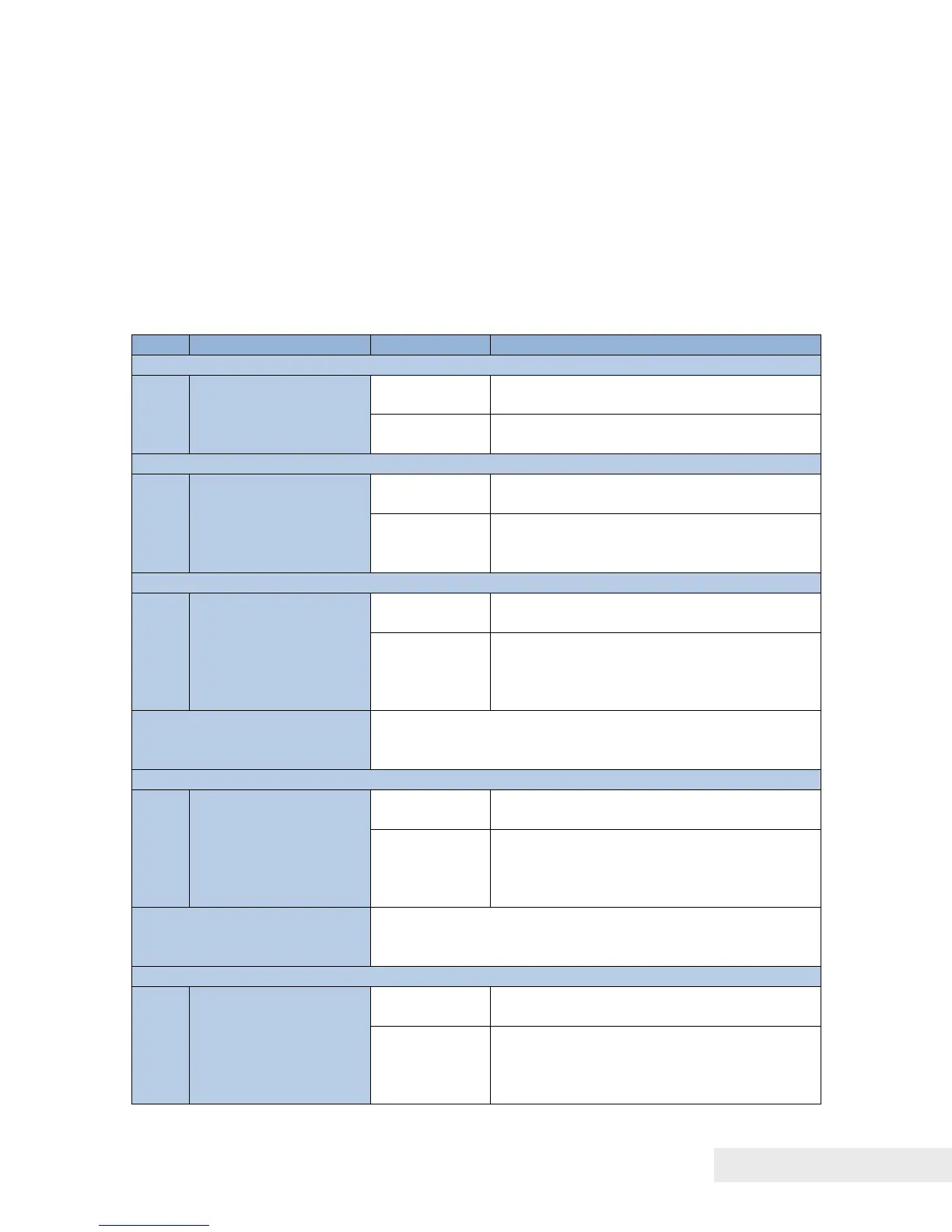
01: Remaining Ink Warning
1. Replace with a new Ink Tank.
2. Close all doors (warning cleared)
04: Maintenance Cartridge Warning
Maintenance Cartridge soon full.
1. Replace with a new Maintenance
Cartridge.
2. Close all doors (warning cleared).
06: Purge Unit Replacement (*Remarks)
The time has come to replace the Purge
Unit.
1. Replace Purge Unit.
2. Restart Printer after replacing Purge
Unit (warning
cleared).
"Purge Unit Replacement" is issued in advance, if "Purge
Unit Replacement" is expected within 1 month when
"Blade Cleaner Replacement" is issued.
07: Blade Cleaner Replacement (*Remarks)
The time has come to replace the Blade
Cleaner.
1. Replace Blade Cleaner.
2. Restart Printer after replacing Blade
Cleaner (warning
cleared).
"Blade Cleaner Replacement" is issued in advance, if
"Blade Cleaner Replacement" is expected within 1 month
when "Purge Unit Replacement" is issued.



 To Next Page