Step-by-Step Installation Instructions
Page 40 100-11672 - Rev D
Paper Loading Procedure (Inside)
This section describes how to load paper.
1. Make sure that the Power key lamp on the operation lamp stays lit. If the
printer has been turned off completely, turn on the main power switch. When
the printer is in the sleep mode, press the Power key.
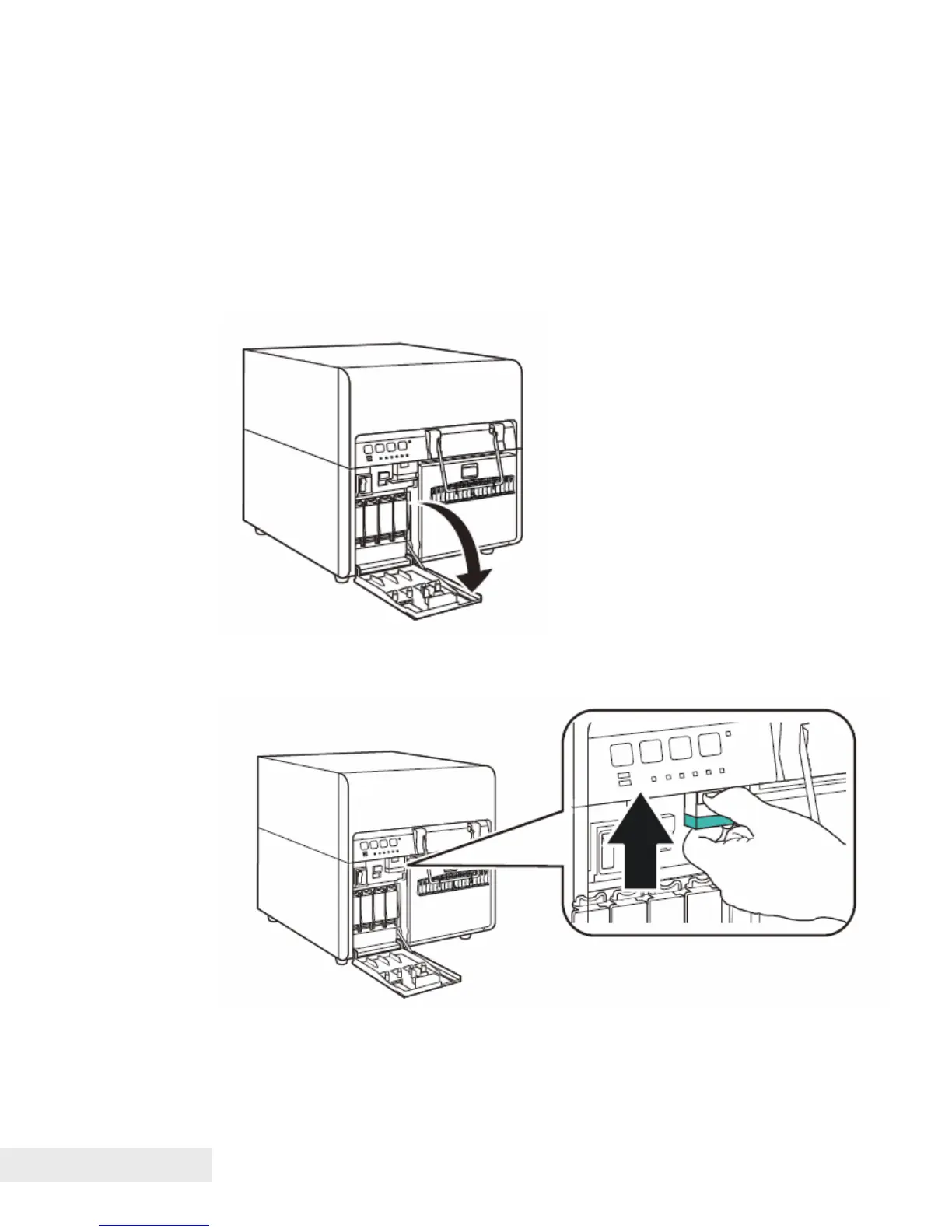
2. Open the ink tank door.
3. Push the upper unit release lever up to open the upper unit.



 To Next Page