Appendix A: Ordering Genuine Ithaca Supplies
100-11672 - Rev D Page 153
5) Input Printer serial number. ("Printer Controller PCB Replacement
Procedure" section)
6) Set time. ("Time Setting" section)
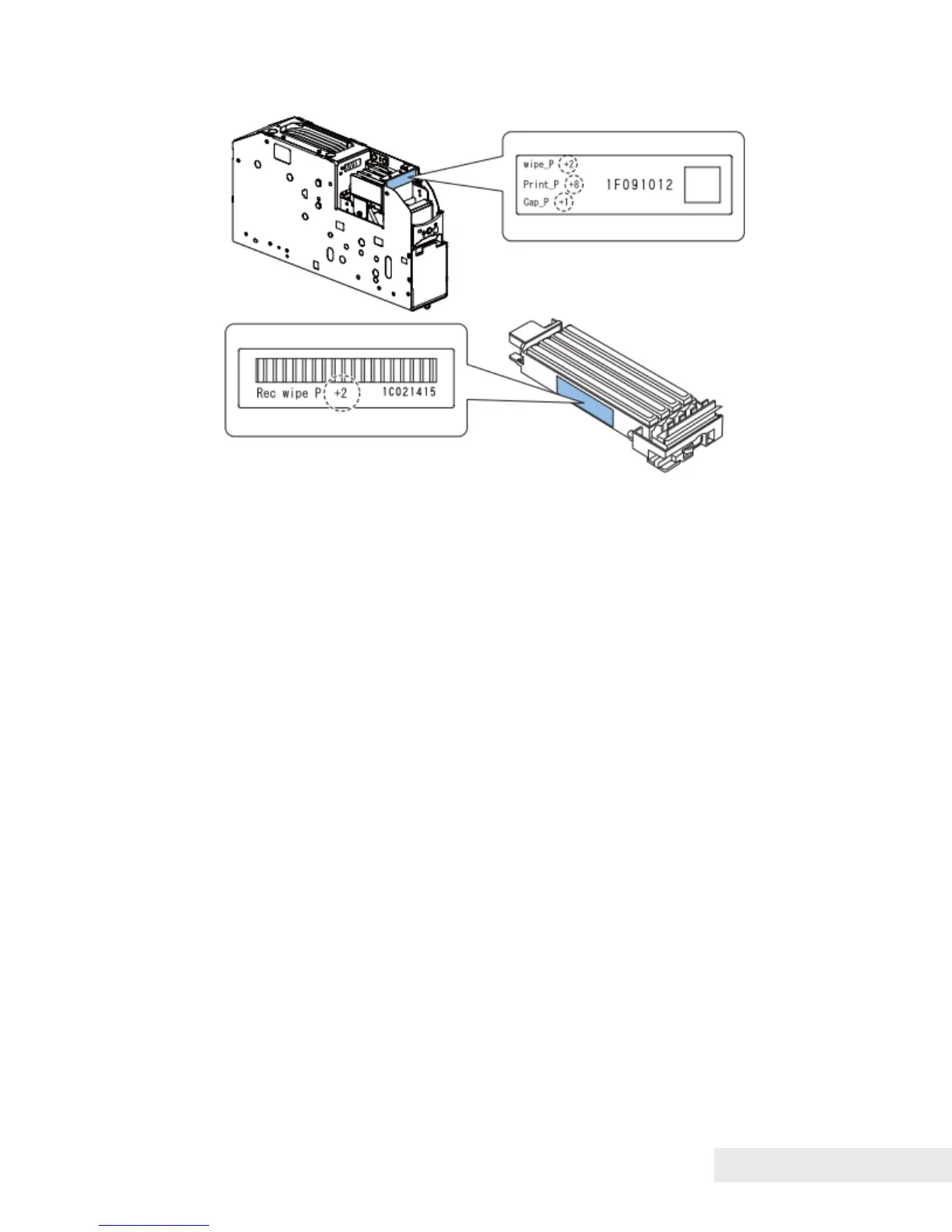
7) Input adjustment values . ("Print Module Replacement Procedure" section)
8) Adjust Rear Feeder Sensor. ("Rear Feeder Sensor Adjustment" section)
9) Adjust ink eject power. ("DC Power Supply Unit Replacement Procedure"
section)
10) Adjust Printhead position. ("Head Position Adjustment" section)
11) Adjust backfeed gap. ("Backfeed Gap Adjustment" section)
Work at DC Power Supply PCB Unit Replacement
1) Adjust ink eject power. ("DC Power Supply Unit Replacement Procedure"
section)



 To Next Page