Appendix A: Ordering Genuine Ithaca Supplies
100-11672 - Rev D Page 145
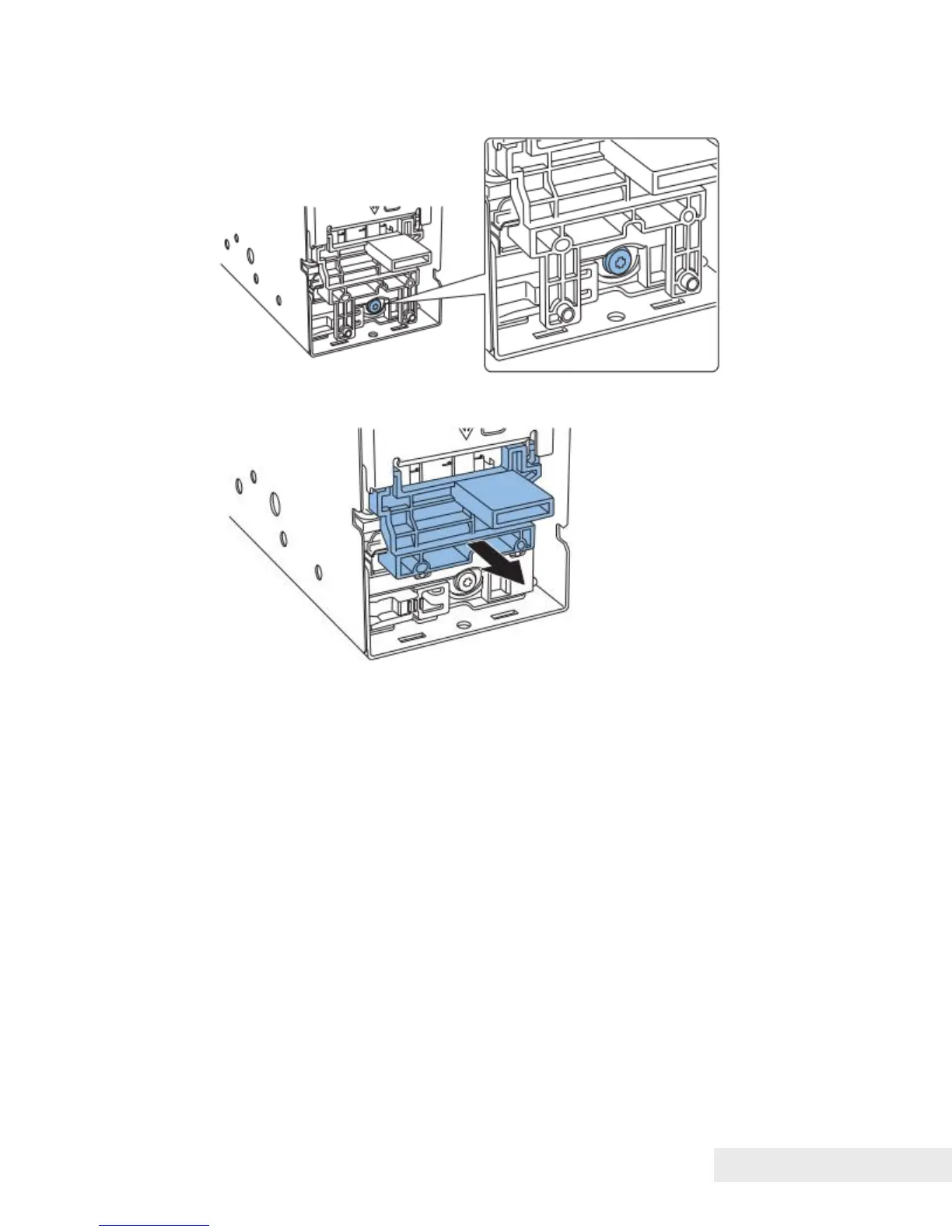
3) Tighten the screw.
4) Remove Blade Adjustment Tool.
● Purge Unit Wipe Position Adjustment
1) Enter "Rec wipe P number" that was noted before install the new Purge Unit
to "Purge Unit wipe position" using service utility after turning Main Power
Switch on. ("Consumable Parts Replacement Procedure" section.)
Work at Transport Unit Replacement
Pinch Roller Position Adjustment
1) Print backfeed pattern. ("Backfeed Gap Adjustment"(page 5-92).)
2) Observe the backfeed pattern and examine if Pinch Roller adjustment is
necessary according to the following. Perform the adjustment, if necessary.
Examination Procedure:
If the gray areas of backfeed pattern does not have difference in vertical line
and does not have overlap, adjustment is not necessary.
If the second page shifts to right, shift the plate of Pinch Roller to "A" direction.
If the second page shifts to left, shift the plate of Pinch Roller to "B" direction.
Go to the <Adjustment Procedure> section below.



 To Next Page