Appendix B: Frequently Asked Questions
Page 178 100-11672 - Rev D
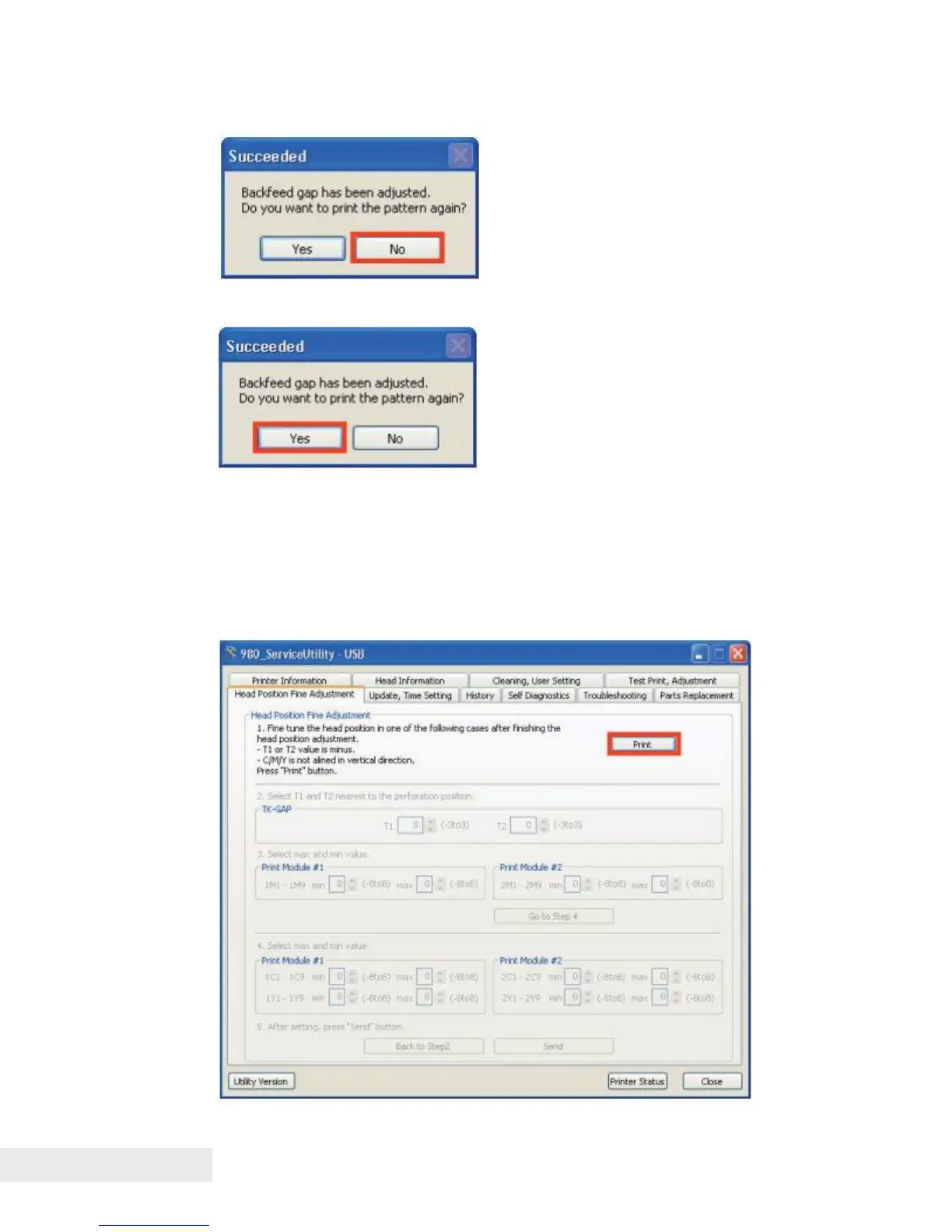
3) If the backfeed pattern is not required to print again for a review, click [No]
4) If you wish to review the backfeed pattern, click [Yes] and go to step 1).
Head Position Fine Adjustment
Printing Head Position Fine Adjustment Pattern:
1) Connect PC to Printer, and then start service utility.
Open the [Head Position Fine Adjustment] tab and click [Print] to print Head
Position Fine Adjustment Pattern.



 To Next Page