Step-by-Step Installation Instructions
Page 22 100-11672 - Rev D
Unpacking the Printer and Removing the Fixtures
Note: The printer is secured using fixing tape and cushioning materials to
protect it against the vibrations and shocks applied during transportation. By
following the procedure described below, remove all pieces of fixing tape and
cushioning materials before installing the printer. Keep the removed
cushioning materials for future transportation for relocation or repair of the
printer.
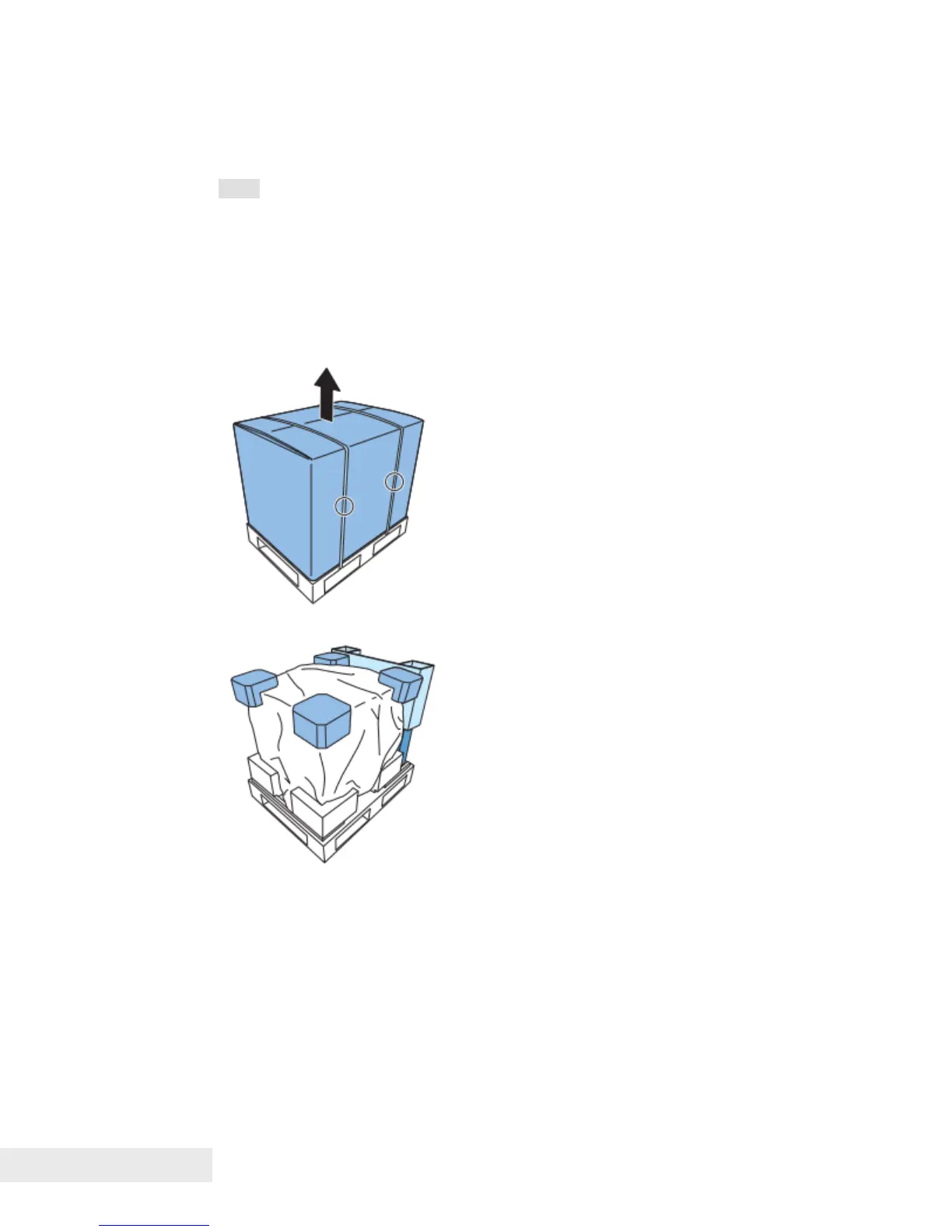
1) Remove two bands from the packing carton, and then remove the outer
casing.
2) Remove the upper pads and the accessory box.



 To Next Page