Step-by-Step Installation Instructions
Page 36 100-11672 - Rev D
Connecting the Communication Cable
The Printrex
®
980 is equipped with two interface ports. These interfaces are:
USB 2.0
Gigabit Ethernet
Connect the appropriate communications cable to the printer as shown in the
following figures. Cables are provided by your dealer, the system installer or
are available through Printrex.
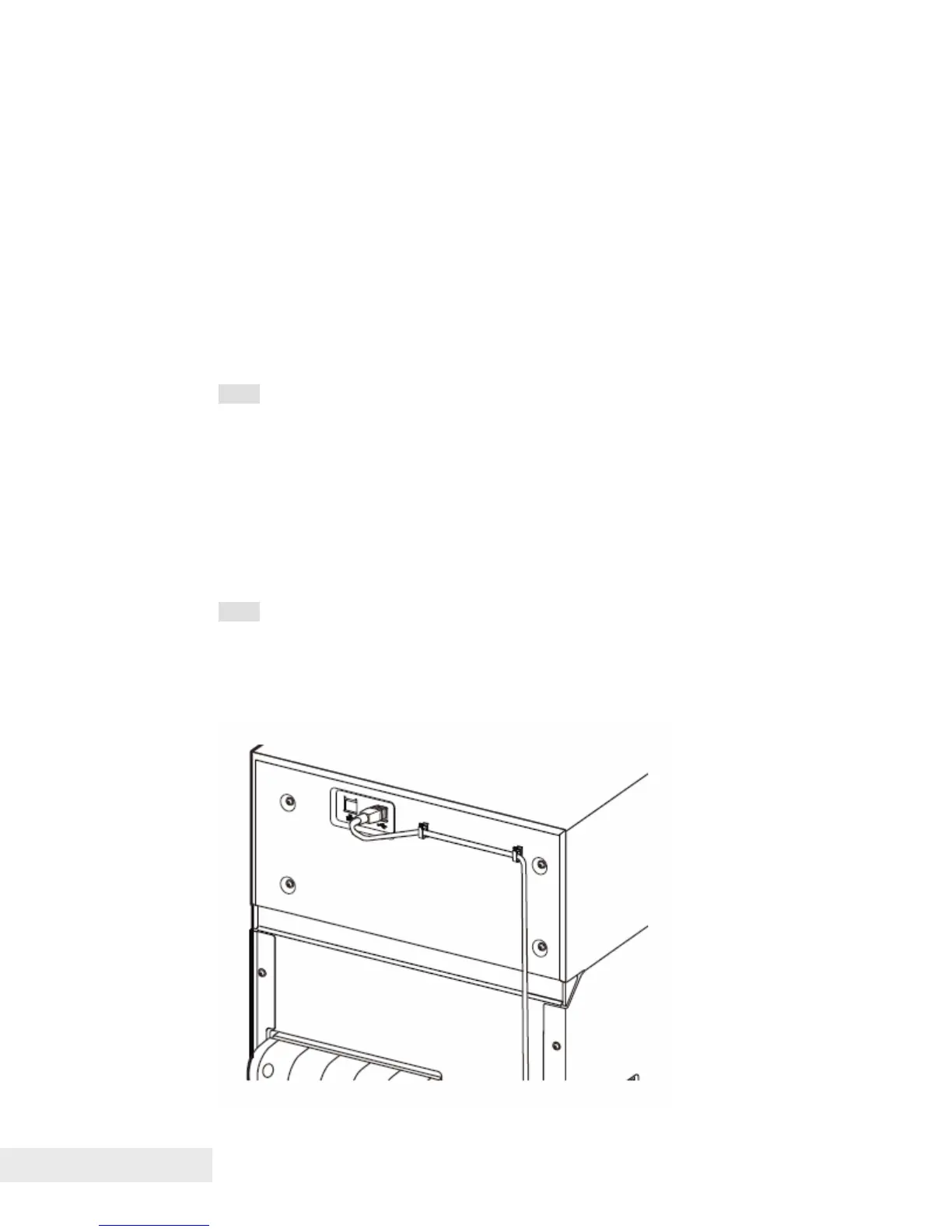
Connect a USB cable
Note: You can disconnect the USB cable even while the printer and computer
are on, but do not disconnect the USB cable in the cases described below.
This could prevent the printer from operating normally.
While the computer is starting up (until the desktop display appears).
While the printer is printing.
While you install the printer driver.
To disconnect the USB cable while the computer and the printer are on,
disconnect it at the computer or the USB hub. To reconnect the USB cable,
wait at least 5 seconds before you connect it again. If you reconnect it
immediately, the printer may not operate correctly.
Note: A USB cable is not provided with the printer. Please prepare a cable
that matches the port on your computer.
Connect the USB cable to the printer first, as shown in the figure, and then to
the computer.



 To Next Page