How to Operate the Printrex
®
980 Printer
Page 106 100-11672 - Rev D
Moving the printer
After moving the printer on the same floor or to another floor, install it properly
following the procedure described below.
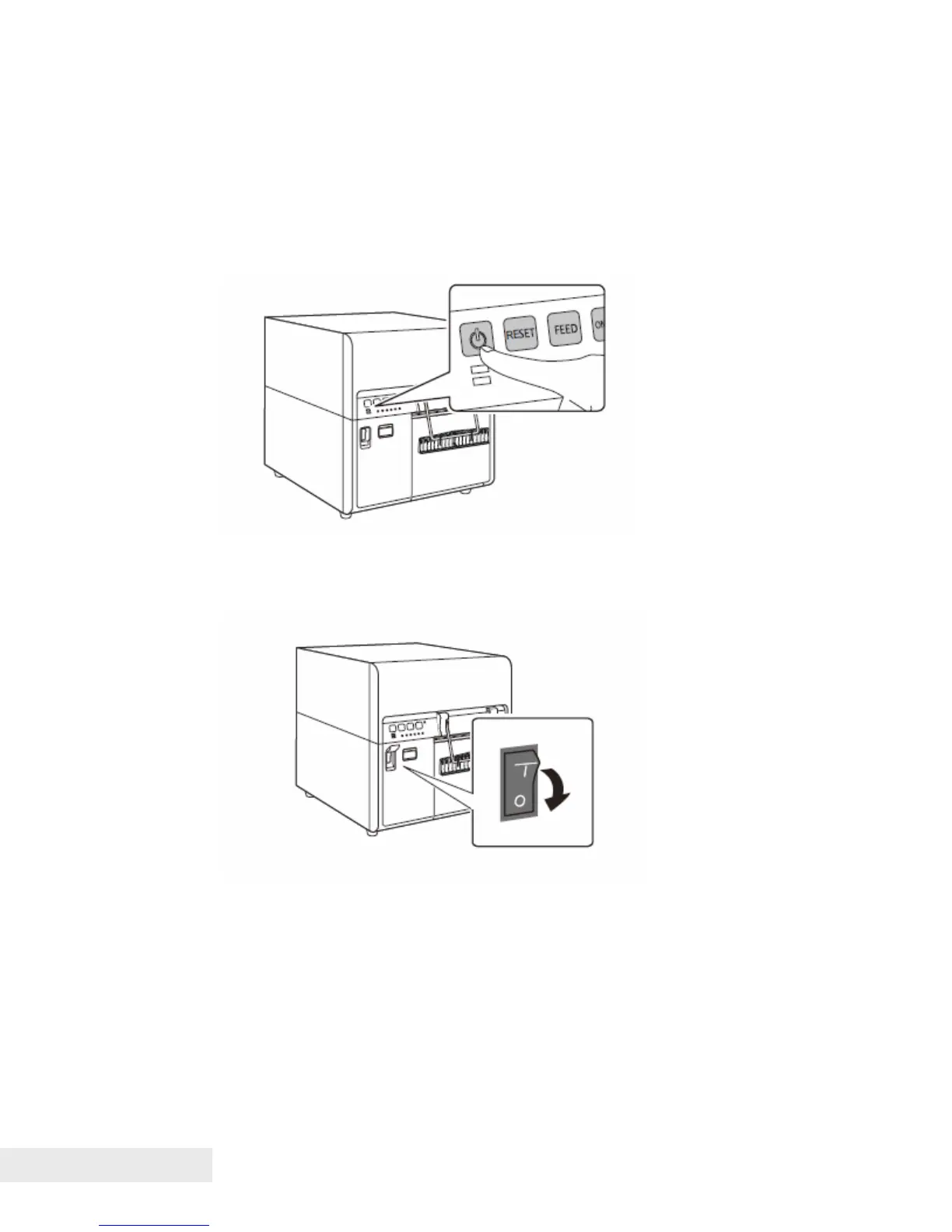
1. Press the Power key to place the printer in the sleep mode. If the printer is
already in sleep mode, go to step 2.
2. Press the main power switch below the operation panel to turn the printer
off completely.
3. Disconnect the interface cable and power cord.
4. Make sure that the upper unit is closed securely.



 To Next Page