Appendix A: Ordering Genuine Ithaca Supplies
100-11672 - Rev D Page 215
Installing the Maintenance Tool (Service Utility)
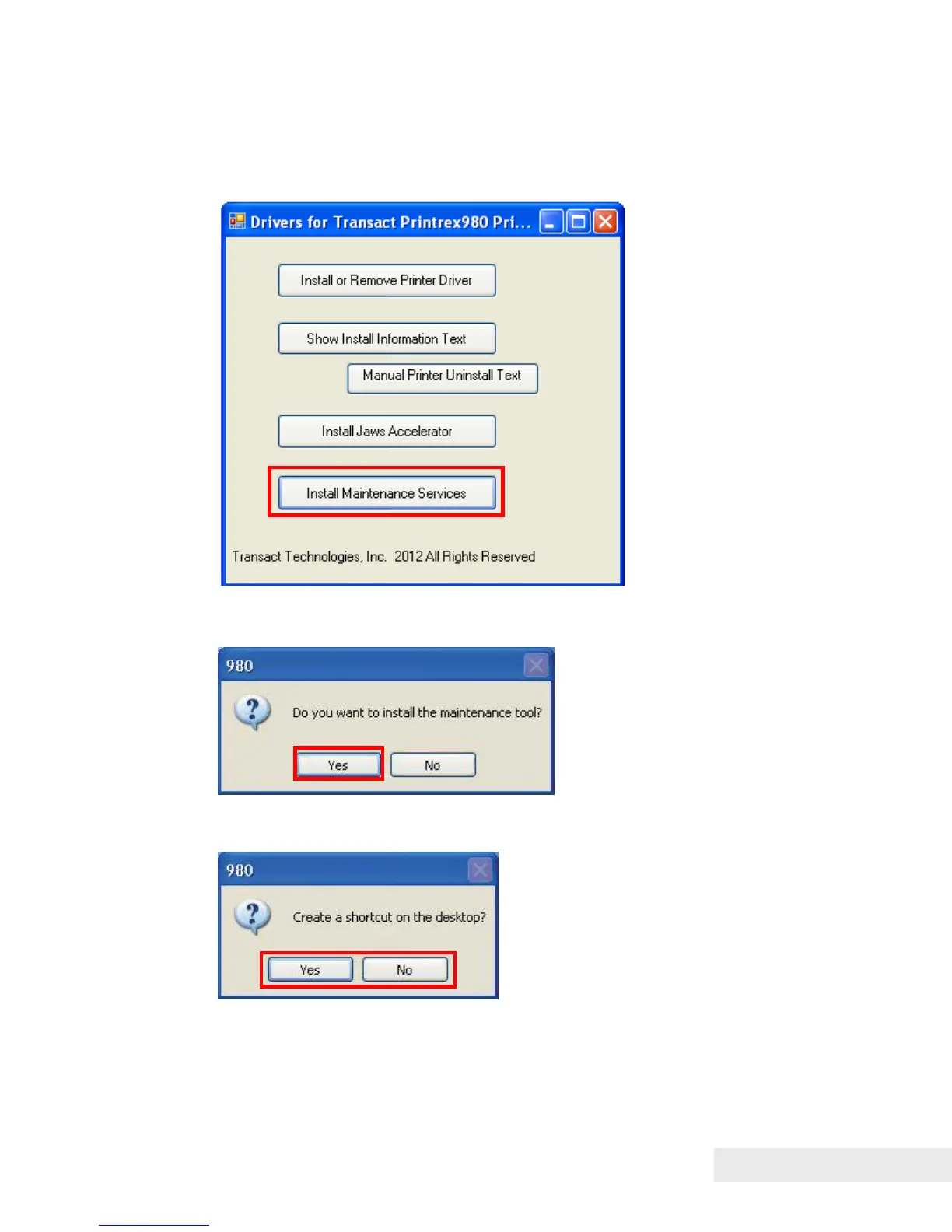
1) Run the executable program, P980DriverInstall.exe
2) Click “Install Maintenance Services”.
3) If prompted and asked to run the file, click “Run”, then click “Yes” to install
the maintenance tool (Service Utility).
4) Click “Yes” to create a shortcut on the desktop.
If the shortcut is not required, click “No”



 To Next Page