Appendix A: Ordering Genuine Ithaca Supplies
100-11672 - Rev D Page 249
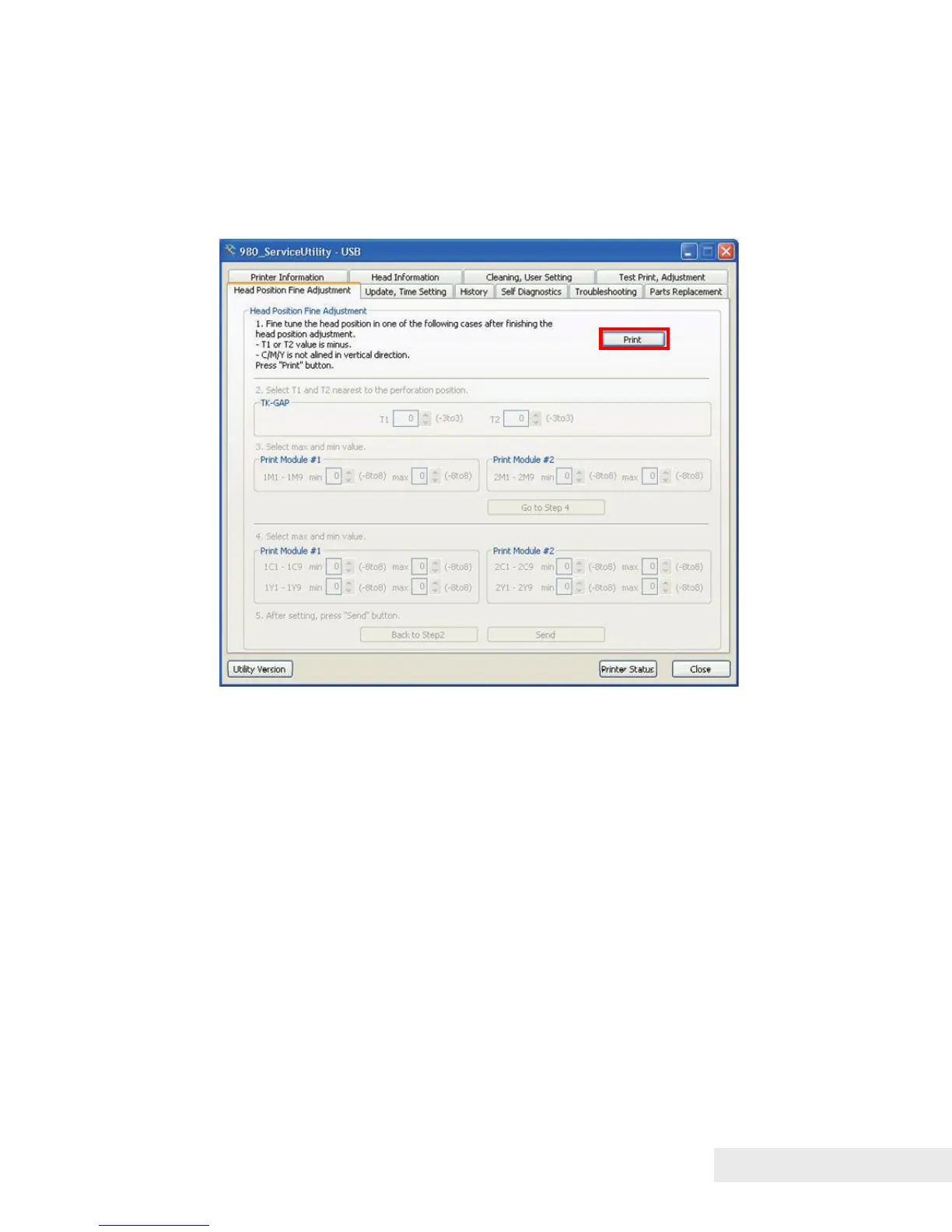
Head Position Fine Adjustment
Printing Head Position Fine Adjustment Pattern:
1) Open the [Head Position Fine Adjustment] tab and click [Print] to print Head
Position Fine Adjustment Pattern.
Examining and Adjusting Printhead Position:
1) Observe the TK-GAP Fine Adjustment Pattern and examine if the TK-GAP
adjustment is necessary for Print Modules according to the following. Perform
the adjustment, if necessary.
Find where the paper perforation is located on the TK-GAP
Fine Adjustment Pattern scale. If the paper perforation is at
the “+1” position on the TK-GAP Fine Adjustment pattern
scale, the adjustment value is “+1”.



 To Next Page