Appendix B: Frequently Asked Questions
Page 212 100-11672 - Rev D
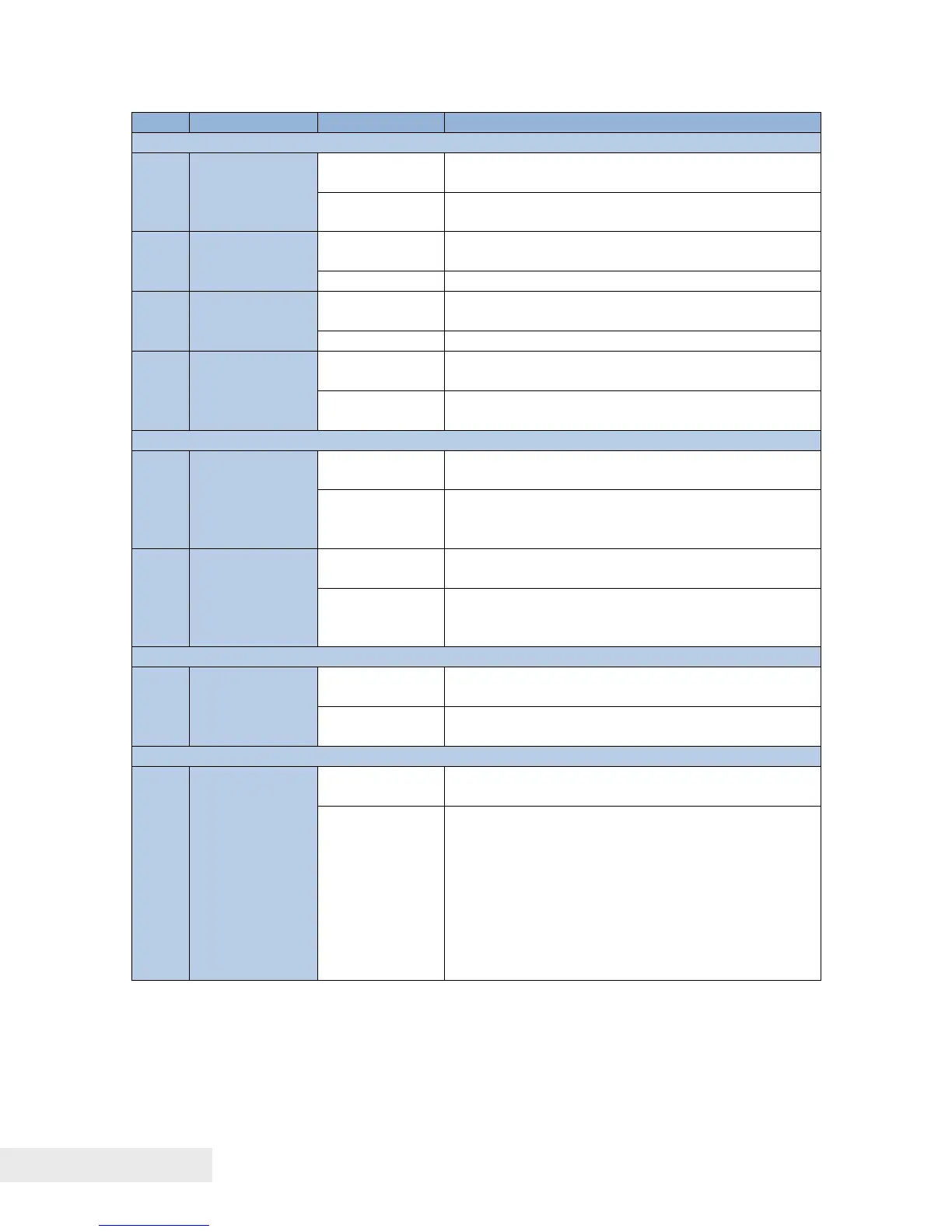
1. Retry the firmware update.
2. Replace Printer Controller PCB.
Updater started upon detecting the firmware
error.
Retry the firmware update.
Media parameter version not updated to the
latest.
Update to the latest version of media
parameter information.
Length of the data received by the host PC is
incorrect.
Cancel the job.
Service Utility > Printer Status > Cancel My
Printing Job
Received the improper command from the host
PC.
Cancel the job.
Service Utility > Printer Status > Cancel My
Printing Job
Temperature out of operation warranty is
observed.
1. Warm the room to warranty temperature.
2. Restart Printer.
37: Remaining Ink Detection Error
01-FF
(Additional
value
of K:01,C:02,
M:04,Y:08)
(MODULE1),
(Additional
value
of K:10,C:20,
M:40,Y:80)
(MODULE2)
Ink Tank empty cannot be detected.
1. Set proper Ink Tank.
2. Close all doors (error cleared).



 To Next Page