Appendix B: Frequently Asked Questions
Page 266 100-11672 - Rev D
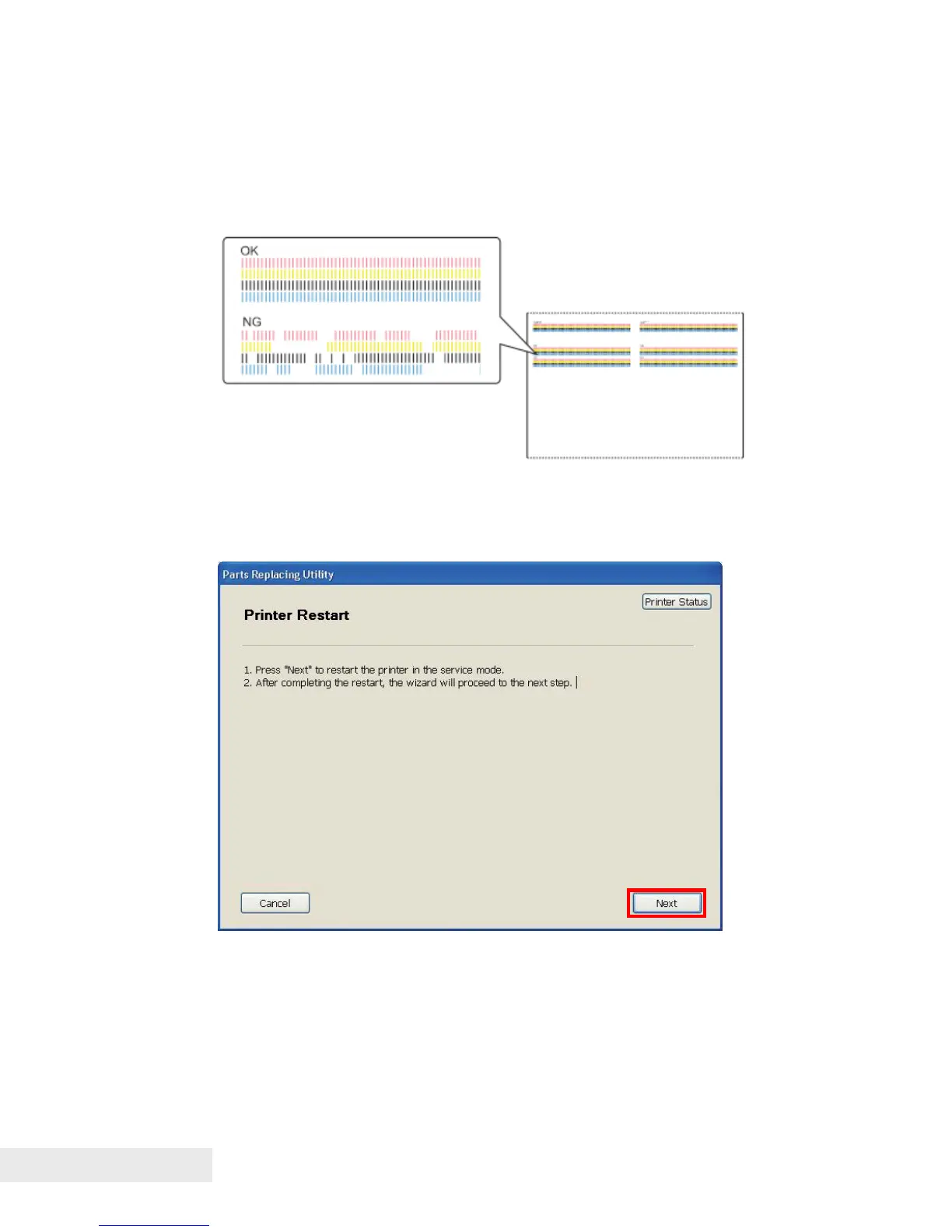
9) Observe the Print check pattern.
If the print result next to "OK" prints clearly and the print
result next to "NG" has non-discharge, adjustment is
completed.
If the print result next to "OK" has non-discharge and/or the
print result next to "NG" prints clearly, go to step 4).
Consumable Parts Replacement Procedure
1) Open the [Parts Replacement] tab and click [Consumable Parts
Replacement] to display the [Printer Restart] dialog box.
2) Click [Next] to restart Printer in service mode.



 To Next Page