Step-by-Step Installation Instructions
100-11672 - Rev D Page 29
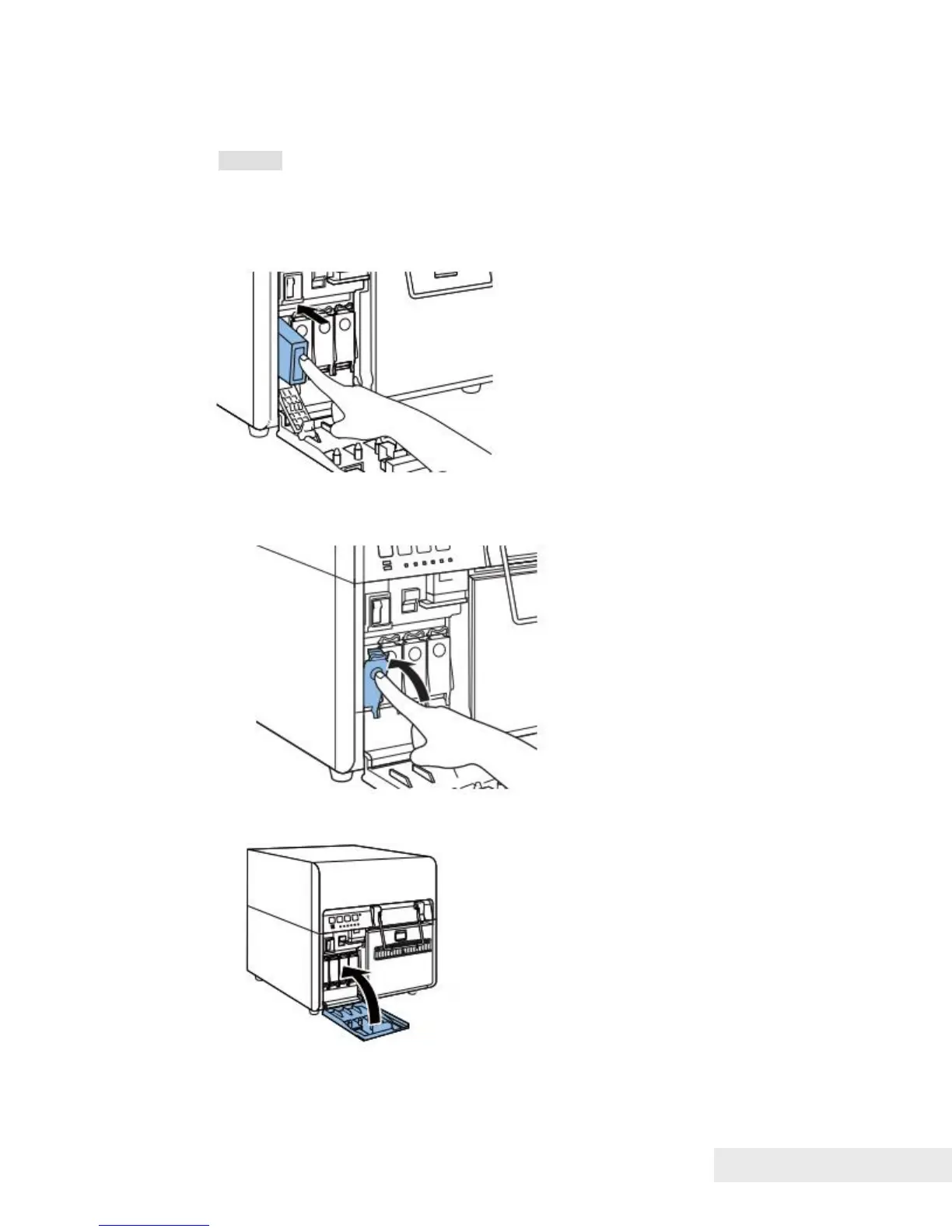
4) Slowly insert Ink Tank as far as it will go.
Caution:
Ink Tank cannot be loaded properly if it is inserted in the wrong Ink Tank
Slot.
Insert Ink Tank securely and push it all the way as far as it will go.
5) Close Ink Tank Lever.
6) After checking that all Ink Tanks have been loaded, close Ink Tank Door.



 To Next Page