Step-by-Step Installation Instructions
100-11672 - Rev D Page 53
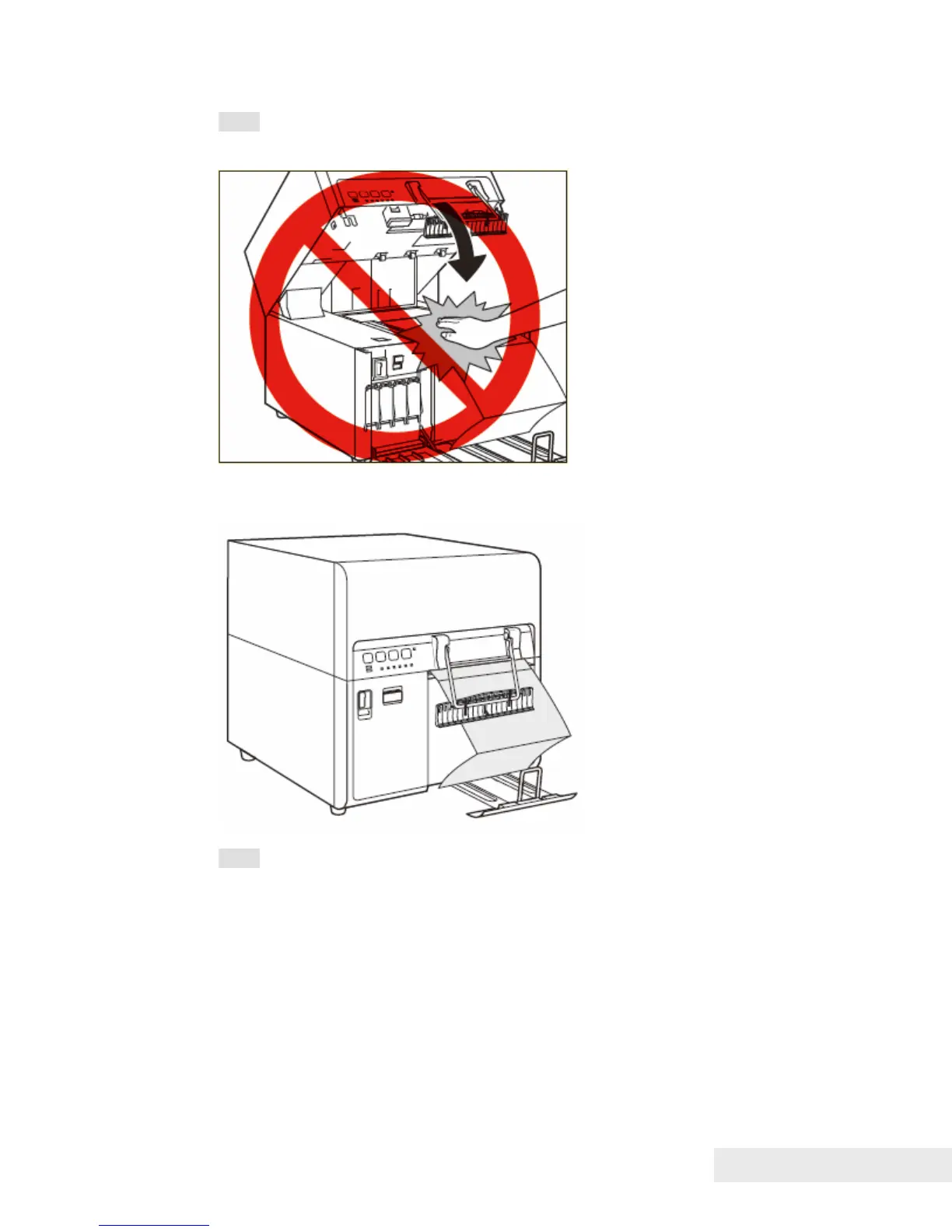
Note: Close the upper unit gently to avoid catching your hands, as this may
result in personal injury.
10. Paper is automatically fed to the printing position.
Note: Load paper in printer immediately after unpacking it. Paper remaining
after completion of printing may be held loaded in printer or stored in the paper
storage box. If printer is not used for an extended period of time, be sure to
store paper in the paper storage box.



 To Next Page