Step-by-Step Installation Instructions
100-11672 - Rev D Page 87
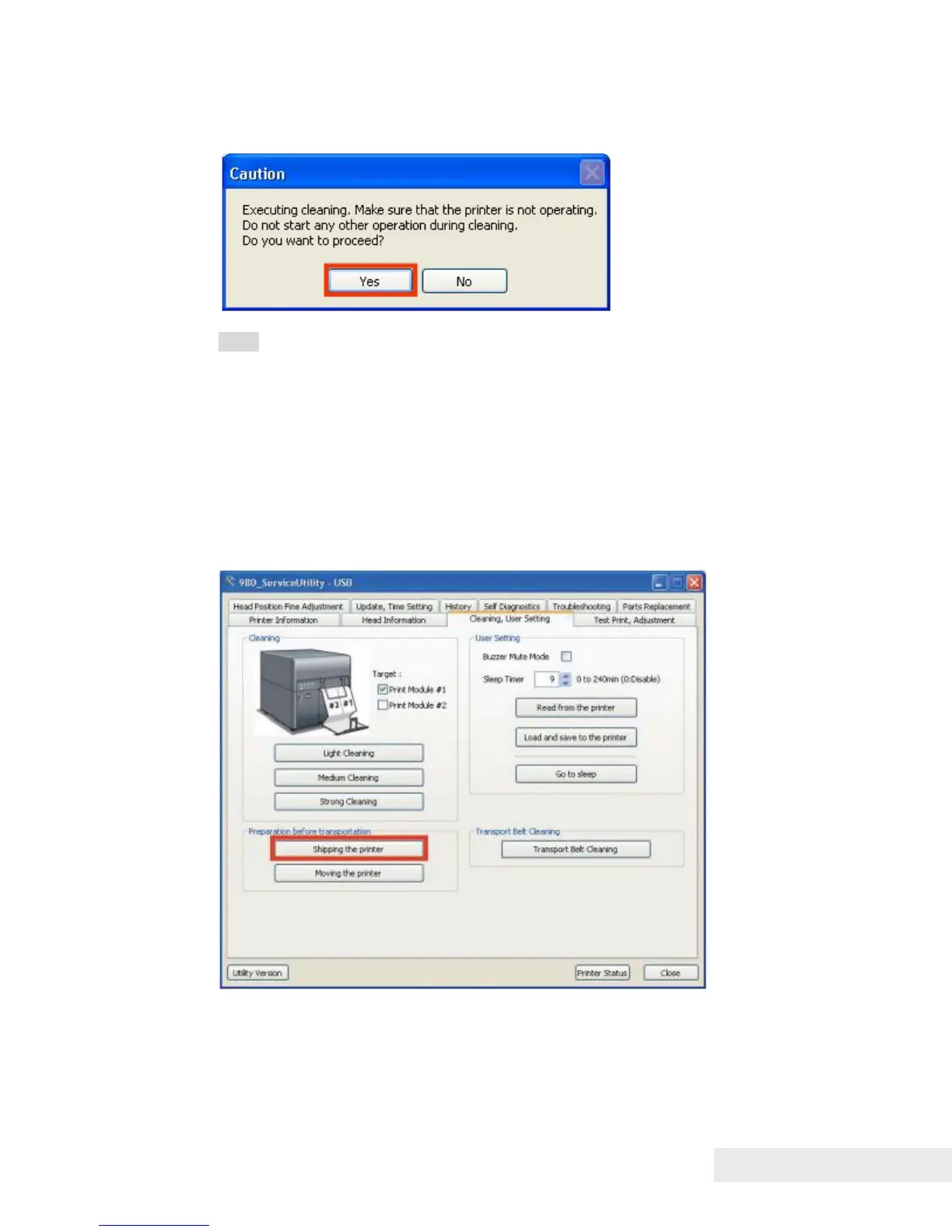
2) When the following message is displayed, click [Yes] to drain remaining ink
in Purge Unit.
Note:
Ink drainage takes approximately 2 minutes.
The time might be changed due to the specification change.
Long Distance Relocation
Printer required to return ink from Print Module to Ink Tank and to drain
(suction) remaining ink in Purge Unit before shipping Printer long distance. Ink
returning and drainage is performed with service utility.
Ink returning and drainage procedure
1) Connect PC to Printer, and then start service utility.
2) Open the [Cleaning, User Setting] tab, and then click [Shipping the printer].



 To Next Page