1FUNCTIONAL DESCRIPTIONS
3
1-1-3. Setting Key Pad
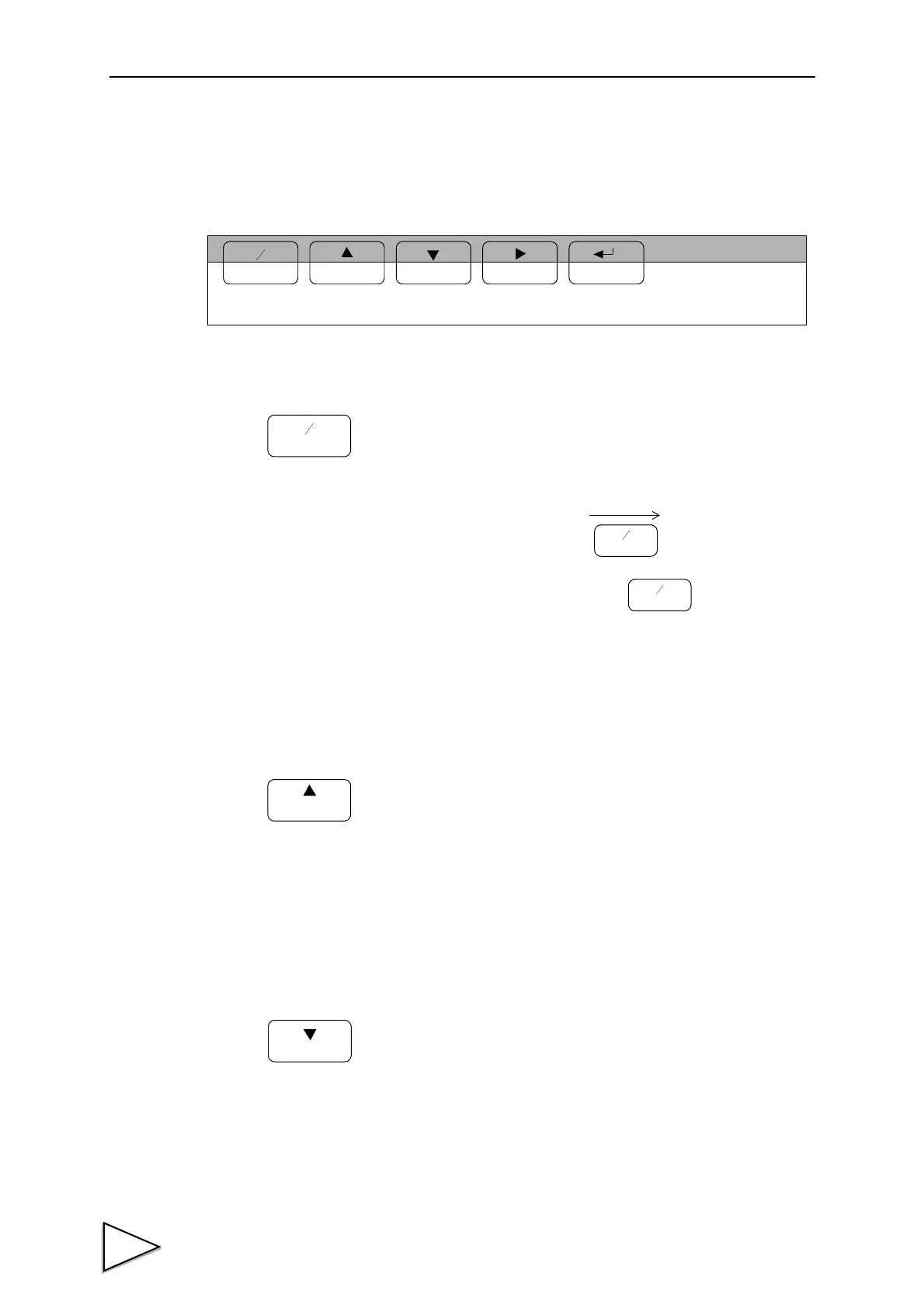
These are keys for commanding settings and operations.
<During indicated value display>
Enters the setting mode.
Setting mode “F1” is displayed.
To cancel the setting, press again.
<During setting>
Switches the sign of set values between + and -.
<During indicated value display>
Enters the actual load calibration mode.
<During setting>
Increments by one the numeric in the blinking digit of
the setting item selection or set value.
<During indicated value display>
Enters the equivalent input calibration mode.
<During setting>
Decrements by one the numeric in the blinking digit of
the setting item selection or set value.
FNC
+
-
GAIN
CAL
ZERO
HOLD
Valid During
Valid During Setting.
Indicated Value
Display.
Indicated value display
FNC
+
-
Setting mode “F1” display



 To Next Page