9.RS-485 INTERFACE (Communication protocol; Modbus-RTU)
76
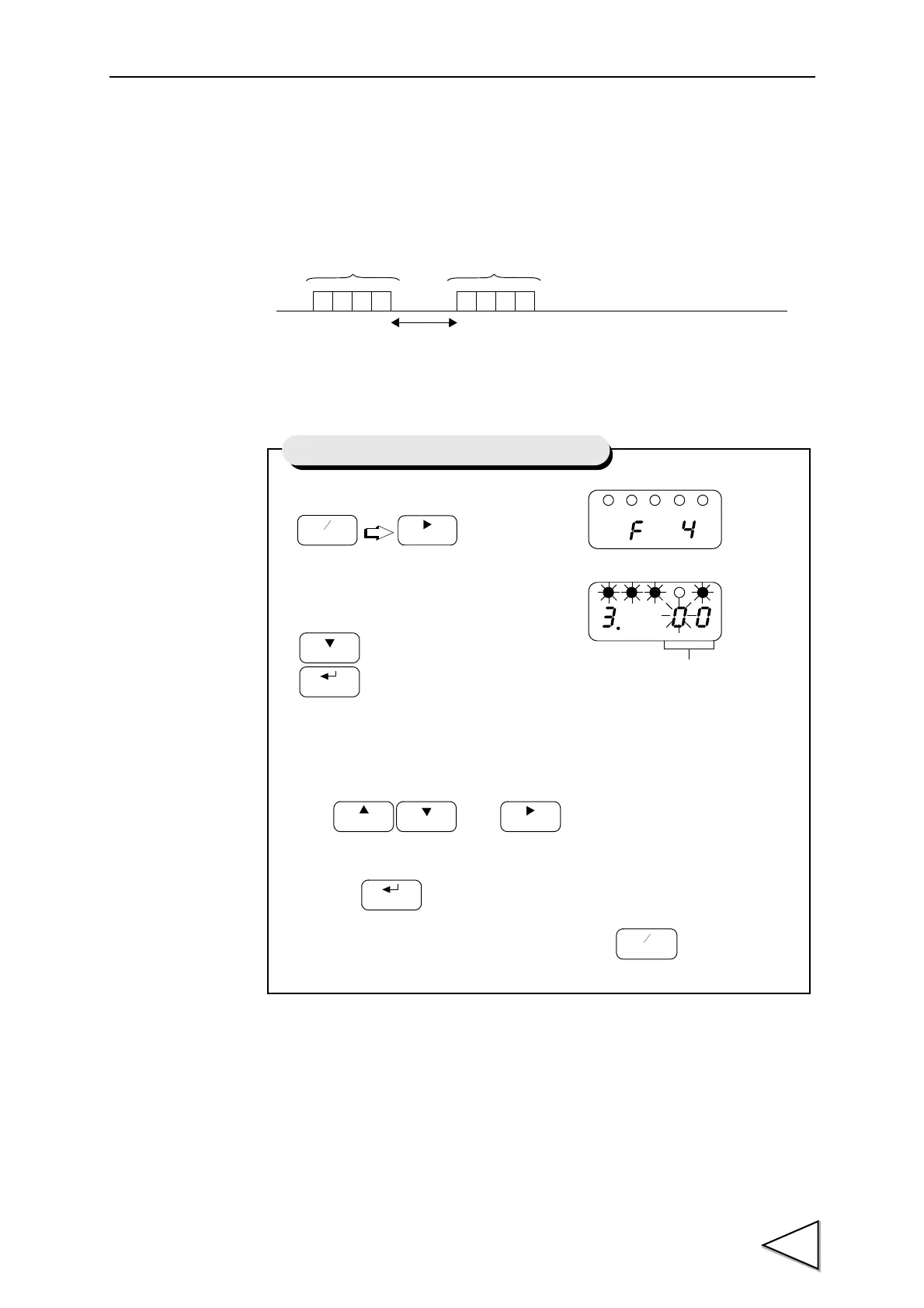
9-2-5. RS-485 Transmission Delay Time
Set this time if the master device cannot process the responses from the F320.
3.5 char + transmission delay time [msec]
Frame Frame
1) Select setting mode 4.
2) Select transmission delay time.
Use and keys to set
the transmission delay time,
then use key to validate the setting.
To return to the indicated value display, press key.
Press three times.
FNC
+
-
ZERO
Press three times.
HOLD
CAL
Setting of RS-485 Transmission Delay Time
Transmission Delay Time(00 to 99)



 To Next Page