6.SETTING OF FUNCTIONS
51
6-6. Digital Filter
This function minimizes instability of the weight value by calculating the
average frequency of the data converted from analog to digital. The frequency of
the moving average selected from OFF(0 or 1) to 256 times. A higher frequency
will make a more stable display with slower response.
A lower frequency will have quicker response but more unstable display.
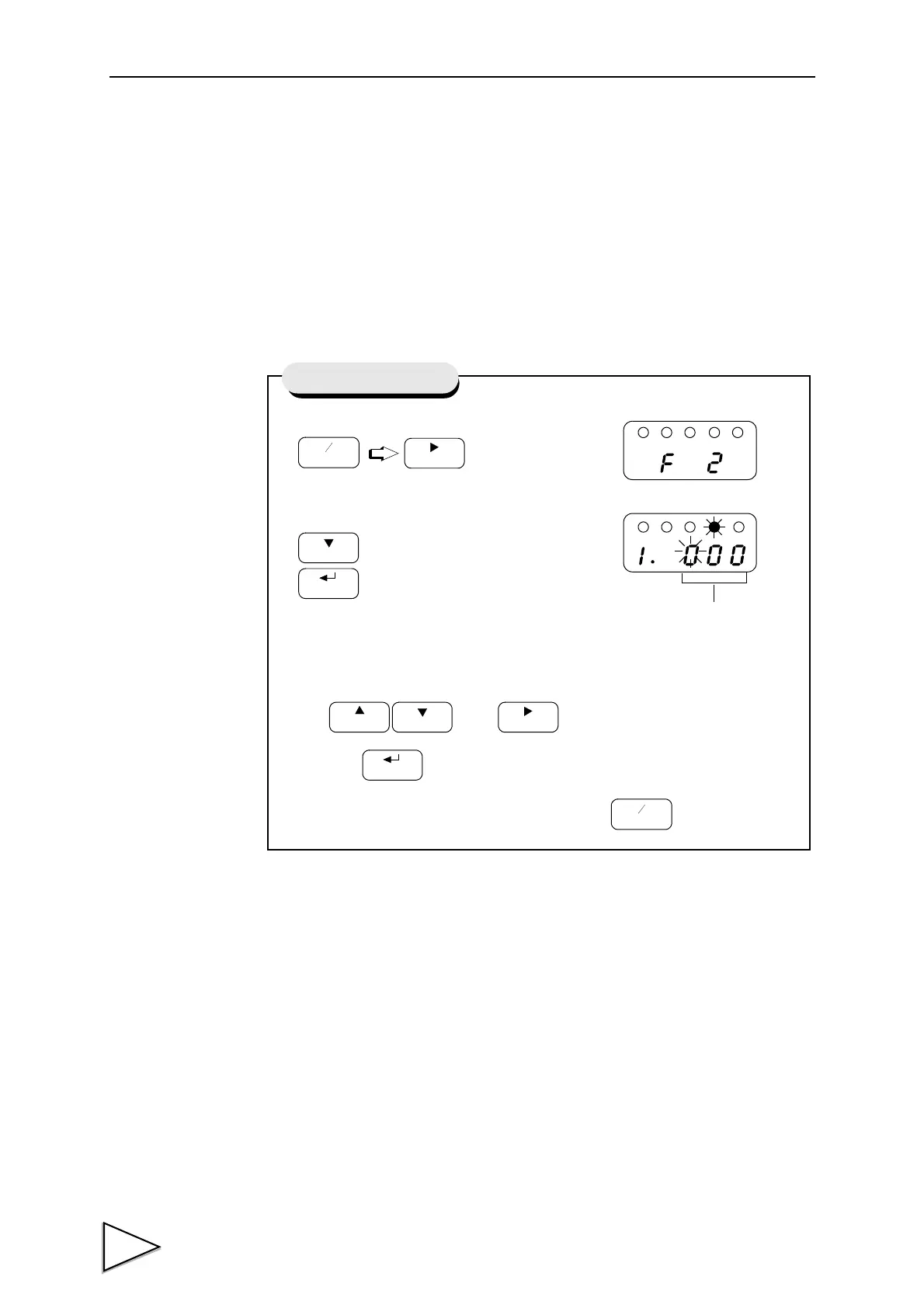
1) Select setting mode 2.
2)
Select digital filter.
Use and keys to set the digtal filter,
then use key to validate the setting.
To return to the indicated value display, press key.
Setting of Digital Filter
Digital Filter(0 to 256)



 To Next Page