10.BCD DATA OUTPUT
77
10. BCD DATA OUTPUT
The BCD data output interface is used to obtain the indicated value of the F320
as BCD data. It is convenient for connecting the F320 with a computer, process
controller, PLC, etc., to perform processing, such as controlling, aggregating,
and recording.
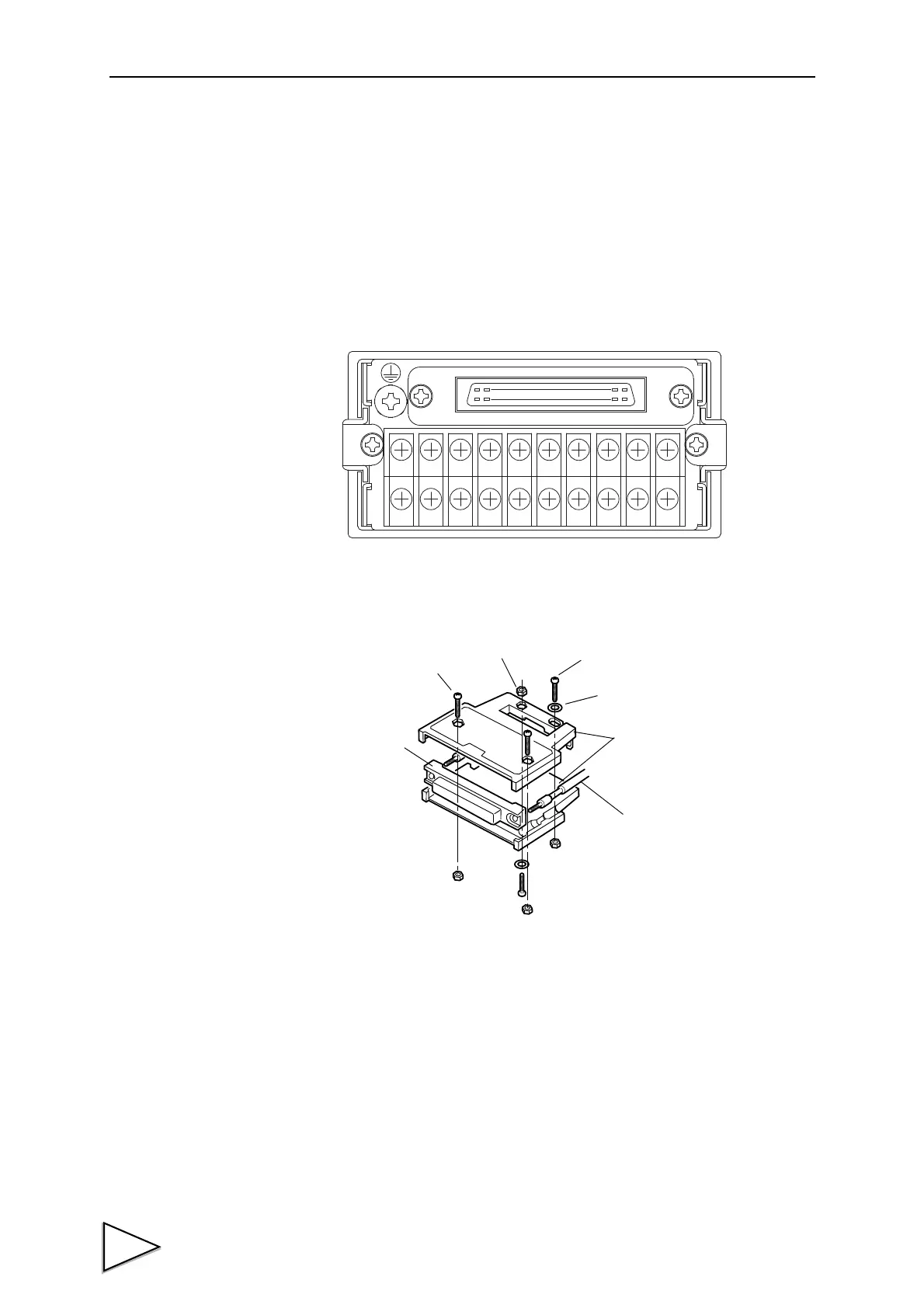
Assembling Connector
(1)Align the connector and each screw (two) in the groove in one case.
(2)Put the other case on it, and fit the cases together.
(3)Tighten each M2×8 pan-head machine screw (two).
Tighten each M2×10 pan-head machine screw (two).
Be aware that the M2×10 pan-head machine screw should be combined with
a washer.
Case (two)
Screw (two)
Connector
M2×8 pan-head machine
M2×10 pan-head machine
M2 nut (four)
Washer (two)
screw (short) (two)
screw (long) (two)



 To Next Page