6.SETTING OF FUNCTIONS
45
6-2. High / Low Limit Comparison Mode
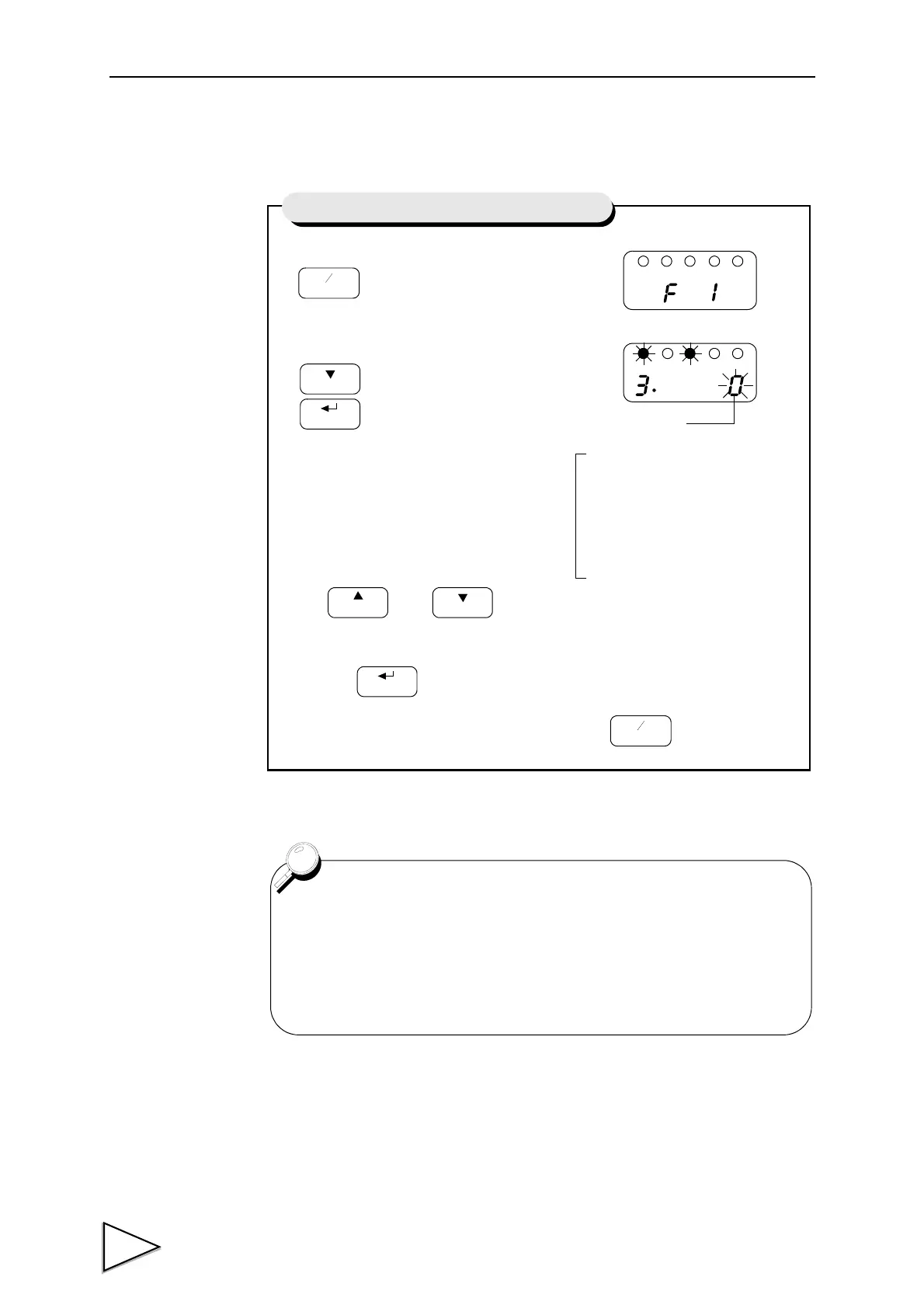
1) Select setting mode 1.
2)
Select high / low limit comparison mode.
Use and keys to set the high / low Limit
Comparison Mode,
then use key to validate the setting.
To return to the indicated value display, press key.
Press three times.
CAL
HOLD
Setting of High / Low Limit Comparison Mode
High / Low Limit
Comparison Mode
3 : Comparison is made at stable
2 : Comparison is always made
1 : Comparison is made in the
0 : Comparison is always made.
status except for near zero.
except for near zero
stabl status.
Except for Mode 0 (Comparison is always made) of the High / Low
Limit Comparison Mode, setting is closely related to Near Zero and
Motion Detect functions. For details, see Near Zero on page 50 and
Motion Detect on page 53 .



 To Next Page