3.CONNECTION
15
3-2-2. DC Spec. ( Depending on the request at the time of order )
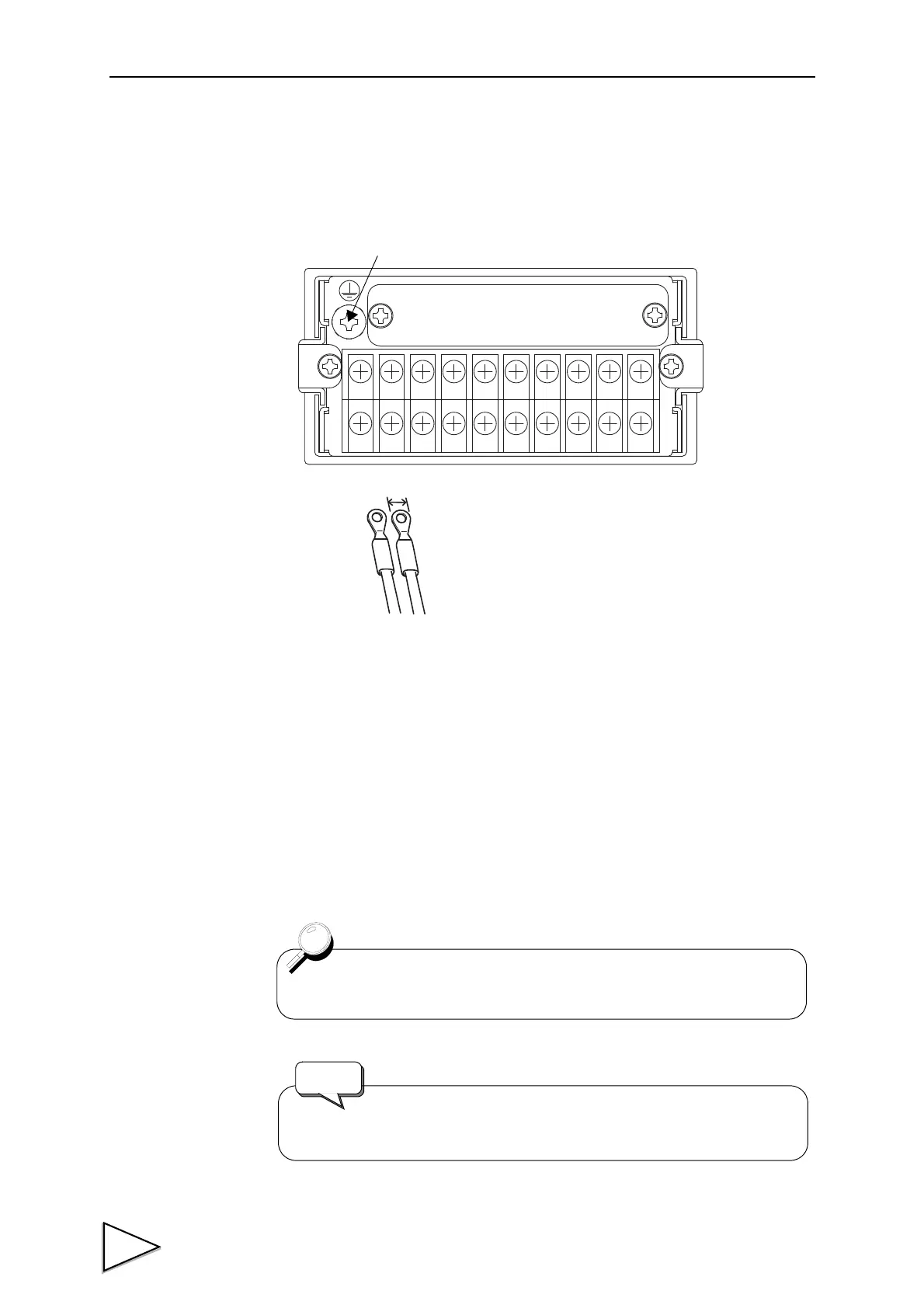
Connect the DC power cord. The input voltage is 12 to 24V ( ± 15%) DC.
1. Make sure that no power is applied.
2. Remove the terminal block cover.
3. Remove the two screws at the lower left of the terminal block.
Connect the positive(+) side of the power source to the red screw side of the
terminal block on the back of the F320, and its negative(-) side to the black
screw side.
Align the crimp contacts with the screw holes, and then tighten the screws.
4. Mount the terminal block cover.
F.G.(functional ground)+-
The DC power code is not a standard accessory.
Use a source power (or battery) of 3A DC or more.
Request



 To Next Page