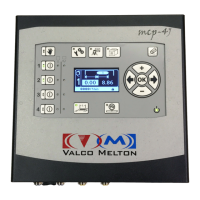
MC122 - MCP-4J Control Unit Section 6 - Maintenance
89
Replacing Micro-SD Card - Continued
3. With a fingertip, slide the card holder in the direction shown by the arrow to release the holder cover.
4. Lift the holder cover.
5. Remove and replace the Micro-SD card.
6. Close the holder cover.
Replace the four (4) screws that hold the control lid.
Micro-SD card
holder - open


 To Next Page
 Loading...