VEMCO – VR100 Manual 28 May 2018 23
3.6 Erase VR100 Log
The Erase VR100 Log command will erase the event log (memory) in the VR100 receiver. This is the same
command that is seen after data is loaded from the receiver to the computer.
When the command is given, a verification screen is displayed to confirm that the receiver’s log should be
erased. The screen also indicates that some of the stored data may not have been loaded to the PC. This is a
reminder to upload the data from the VR100, if you want to keep the data, before erasing the memory.
To continue, click the “Yes, Erase the log” box and then the Erase
button. The Erase button isn’t enabled until the Yes box is checked.
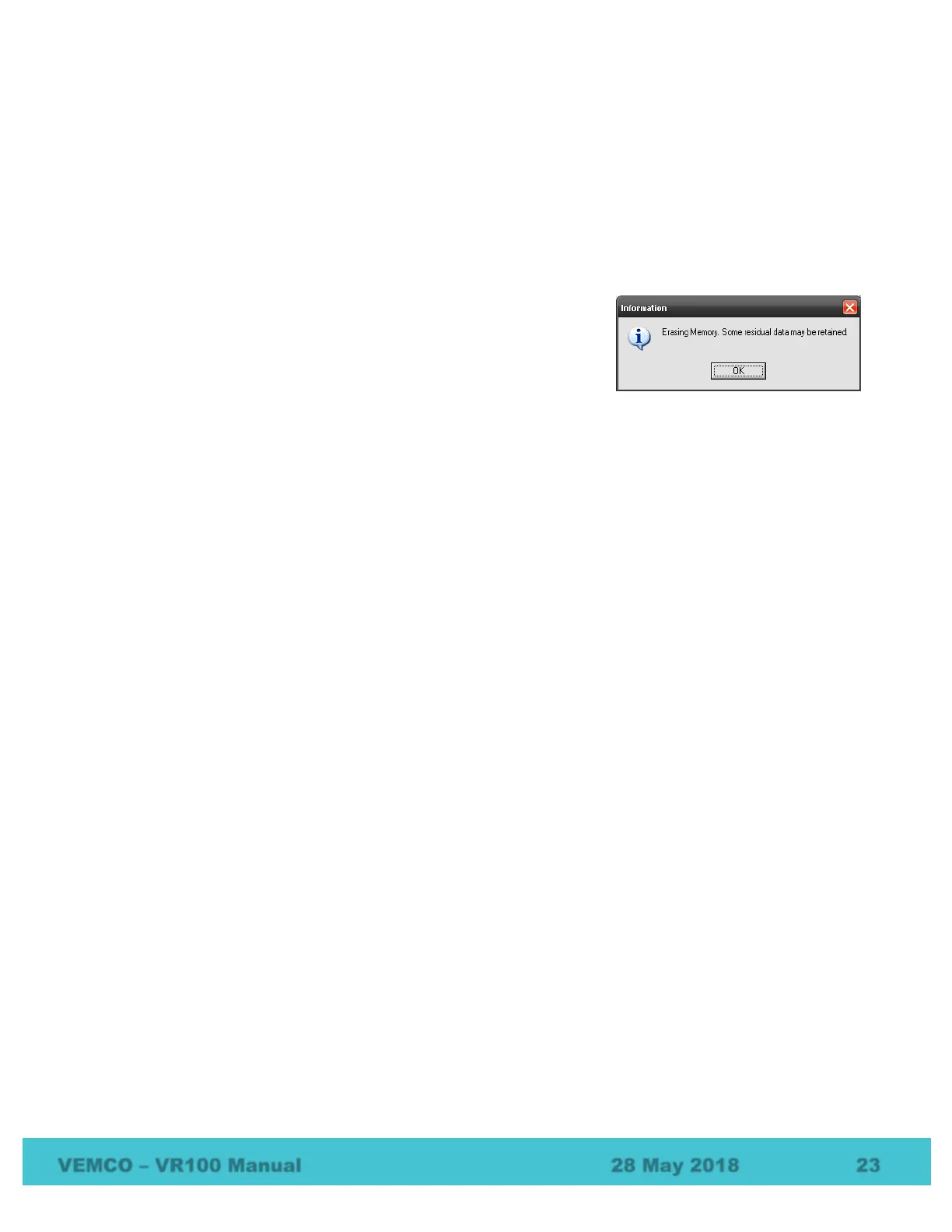
When the memory is being erased, the Information window shown below
is displayed on the screen to indicate the erase command is being
executed. It also indicates that some residual data may be retained in the receiver’s memory.
Data is initially stored in a small, volatile memory buffer. When the buffer is full, that data is moved to non-
volatile long-term memory. The Erase VR100 Log command erases all data in the long-term memory but not
data in the buffer memory. This feature allows the VR100 to continue to record new data during the erase
process.
The data in the buffer, which is the most recent data, continues to be stored until the buffer is full and is then
moved to the long-term memory. This means that the data in the buffer will be loaded to the computer with
the next upload and may appear as duplicated data. This can be avoided by using the Get Recent Data
command (see section 3.4.2).
3.7 Export
The data retrieved from the VR100 receiver can be exported as a CSV file (see section 6.6.2). The Export
feature opens the Export Current Log window to allow the comma delimited file to be named. The file is
saved with the “.csv” extension to distinguish it as a Comma Separated Variables file.



 To Next Page