VEMCO – VR100 Manual 28 May 2018 41
5 Maintenance
5.1 Clear Memory
When 100 % of the log memory is full, the memory must be erased before more events can be logged. The
memory is erased from either the Event Log screen (described below) or from within the PC software (see
section 3.6), but the memory should only be erased after the log has been copied to a computer (see section
3.4).
To erase memory using the VR100, from the Main menu on the VR100:
1. Select Config (see section 6.1.2.1).
2. Press “5” on the keypad.
3. Press the right selection button to erase the data. It’s strongly recommended
that data be loaded to a computer using the VR100 PC software before the
memory is erased.
4. Confirm the erasure of the data by pressing the button identified in the
confirmation window.
Erasing the event log will only erase the events that have occurred to the VR100 receiver and not the channel
settings or the sensor tag information.
5.2 Charge Battery
Follow the steps listed below to charge the VR100’s battery:
1. Place the receiver away from direct heat sources (including direct
sunlight) and in a horizontal position so the front panel is facing up.
It is best to charge the VR100 at room temperature.
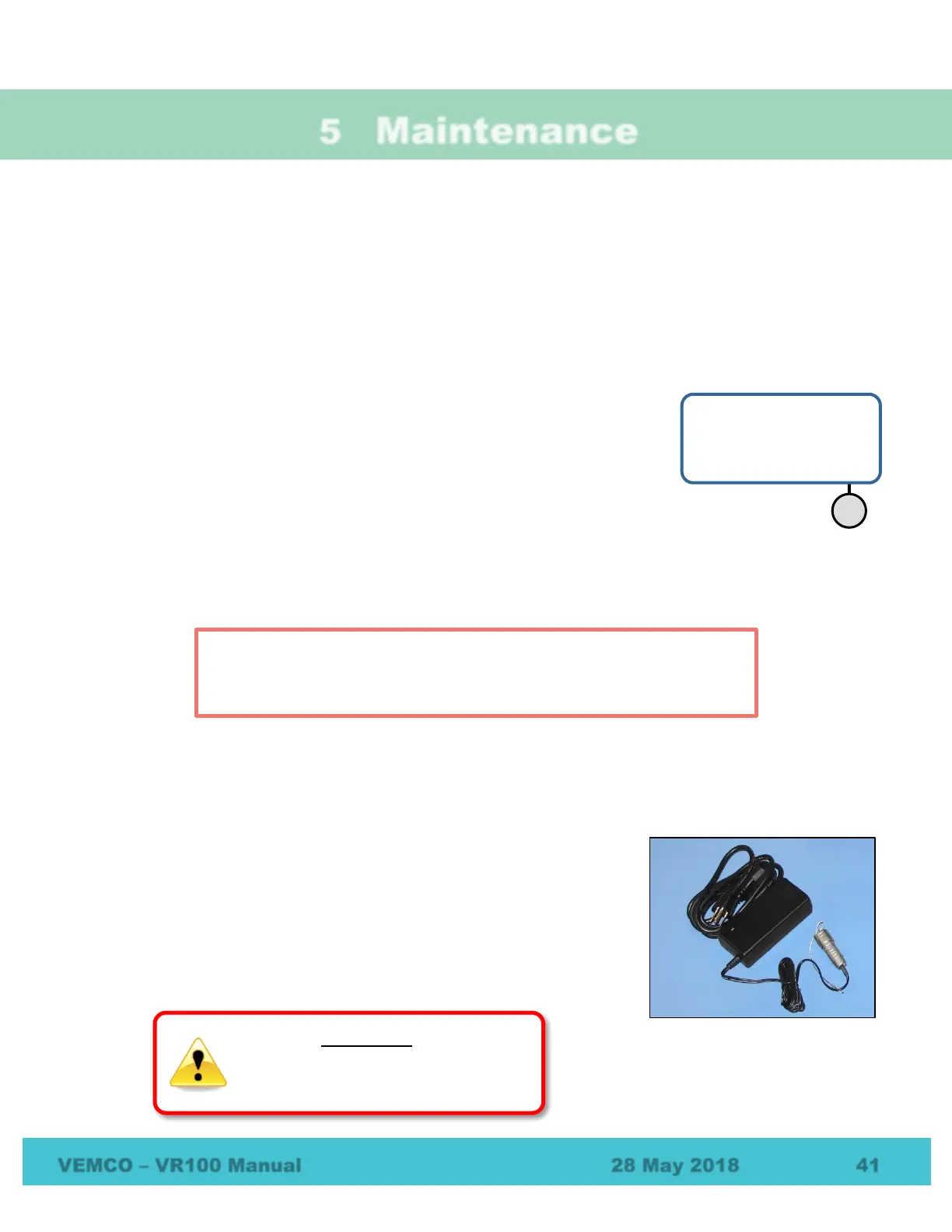
2. Select a battery charger based on the power supply type, either AC
or DC. Both chargers are shown to the right. The AC charger may
require an adapter plug, depending on your location.
Event Log
Event Count: 42500
Use: 50%
▊▊▊▊
Erasing the VR100 memory will only erase the events that have occurred
to the VR100 receiver and not the channel settings or the sensor tag
information.
horizontal with the
when charging.



 To Next Page